How to Format and Beautify SQL Queries Online Free
Beautify, indent, format, and minify messy SQL queries in your browser. Standard SQL, PostgreSQL, MySQL, and SQLite support with uppercase keywords.


Long, unformatted SQL queries written as single sprawling lines or messy ad-hoc scripts are painful to read, difficult to debug, and prone to hidden logical errors such as missing join predicates or accidentally grouped clauses.
ShobFree's SQL Formatter & Beautifier transforms messy SQL code into clean, readable, properly indented queries in your browser. With customizable indentation (2 spaces, 4 spaces, or Tabs), keyword capitalization (UPPERCASE or lowercase), clause line breaks, and a built-in SQL minifier, it is a daily essential for developers, data engineers, and analysts.
Quick answer
| Task | Configuration | Result |
|---|---|---|
| Standard readability | 2 Spaces, UPPERCASE | Clean, standardized query with prominent clauses |
| Codebase formatting | 4 Spaces or Tab | Matches project style guides (e.g. PEP 8, Prettier) |
| Production embedding | Minify SQL button | Single-line compressed query with comments stripped |
| Query review & debugging | Clause Line Breaks | Visual separation of SELECT, JOIN, WHERE, and GROUP BY |
Step-by-step: How to beautify and format SQL queries
- Open the SQL Formatter & Beautifier tool.
- Paste your raw, messy, or single-line SQL query into the left text box.
- Configure your formatting settings:
- Indent: Choose 2 Spaces, 4 Spaces, or Tab indentation.
- Keywords: Choose UPPERCASE (industry best practice), lowercase, or Preserve original casing.
- Your beautified SQL query updates immediately in the right pane.
- Click Copy to copy the formatted SQL to your clipboard.
- (Optional) If you need to embed your SQL query into an application codebase as a compact string, click Minify SQL to strip comments and collapse whitespace into a single line.
Key formatting features
- Clause Line Breaks: Automatically isolates major relational operations (
SELECT,FROM,WHERE,GROUP BY,HAVING,ORDER BY,LIMIT,OFFSET) onto individual root lines. - Join Alignment: Aligns
INNER JOIN,LEFT JOIN,RIGHT JOIN, andCROSS JOINstatements so table relationships can be scanned at a glance. - Boolean Condition Indentation: Automatically nests
ANDandORfilter conditions on dedicated indented lines withinWHEREandONclauses. - One-Click SQL Minifier: Quickly converts sprawling queries into compressed, single-line strings for Docker environment variables, database seed files, or config maps.
Supported SQL dialects
The formatter follows Standard ANSI SQL while fully supporting vendor-specific syntax and keywords from:
- PostgreSQL: Including CTEs (
WITHclauses), JSONB operators, and ILIKE. - MySQL & MariaDB: Including backtick identifiers, regex matching, and limit offsets.
- SQLite: Embedded database queries and table definitions.
- Microsoft SQL Server (T-SQL): Top clauses and bracket identifiers.
- Oracle Database & Snowflake: Warehouse analytics and window functions.
Screenshots
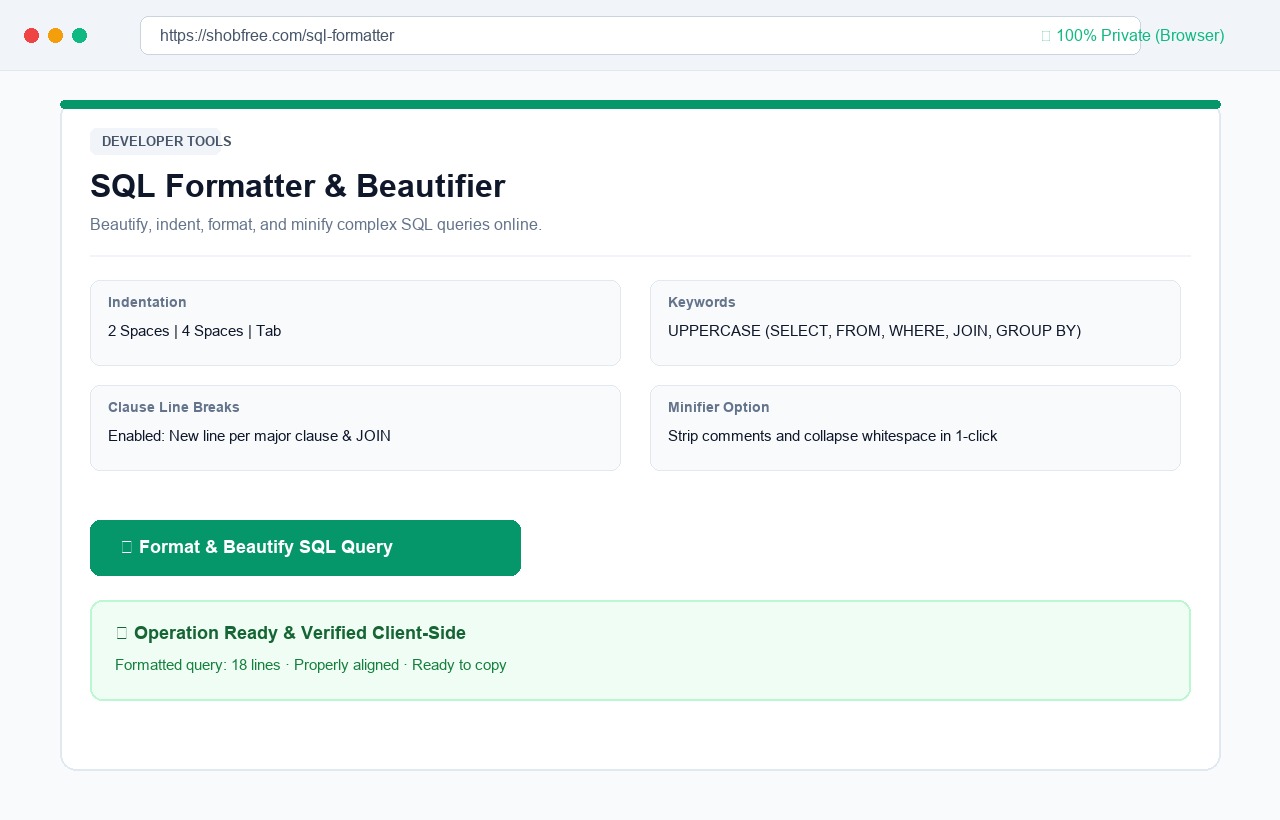 SQL Formatter: paste unformatted queries, customize indentation and keyword casing, beautify or minify in 1 click.
Frequently asked questions
Are my database queries kept private? Yes. Formatting logic is computed 100% inside your browser using client-side JavaScript. Your internal table names, column schemas, and database logic never leave your browser.
Can it format multi-query scripts? Yes. Multiple SQL statements separated by semicolons are parsed and formatted sequentially.
Does minifying SQL break query execution? No. The minifier strips comment blocks (-- and /* */) and collapses redundant whitespace into single spaces, ensuring that valid SQL syntax remains fully executable.