
How to Use Webcam Test Online: Free, Fast & Private Guide
Check that your camera works and see its resolution.

Allow the camera and see yourself at once.
When dealing with everyday digital tasks, installing heavy desktop software or uploading sensitive personal files to unknown cloud servers creates friction, slows you down, and exposes your data. The Webcam Test on ShobFree runs entirely inside your web browser, giving you instant, private, and accurate results without installing anything.
Quick answer
| Scenario | What You Do | Result |
|---|---|---|
| Standard Usage | Open Webcam Test and enter your input | Instant, verified output |
| Mobile Access | Open in Safari, Chrome, or Firefox on mobile | Responsive touch-friendly experience |
| Data Privacy | Process your data directly in memory | 0 MB uploaded to any cloud server |
| File Export | Click the download or copy button | Save output directly to your device |
Step-by-step: How to use Webcam Test
- Open the Webcam Test tool on ShobFree.
- Enter your inputs, upload your file, or configure your preferences in the interactive controls.
- The tool performs all calculations or conversions in real time using client-side algorithms.
- Review your results on the screen or in the preview pane.
- Click the primary action button to save, copy, or download your verified result.
Key features and practical benefits
Test your webcam before a video call or exam. Allow camera access and see a live picture, the resolution and the frame rate. Switch between cameras, mirror the picture and take a snapshot. The video stays on your device and is never recorded or uploaded.
Why in-browser processing is better
- Absolute Privacy: Your confidential personal documents, financial figures, and private media never travel across the internet. Everything is calculated in your browser's local sandbox.
- Instant Speed: There are no server upload delays or processing queues. Execution begins the instant you interact with the controls.
- Unlimited Free Access: You can use the tool as many times as you need without watermarks, trial timers, or registration paywalls.
Screenshots
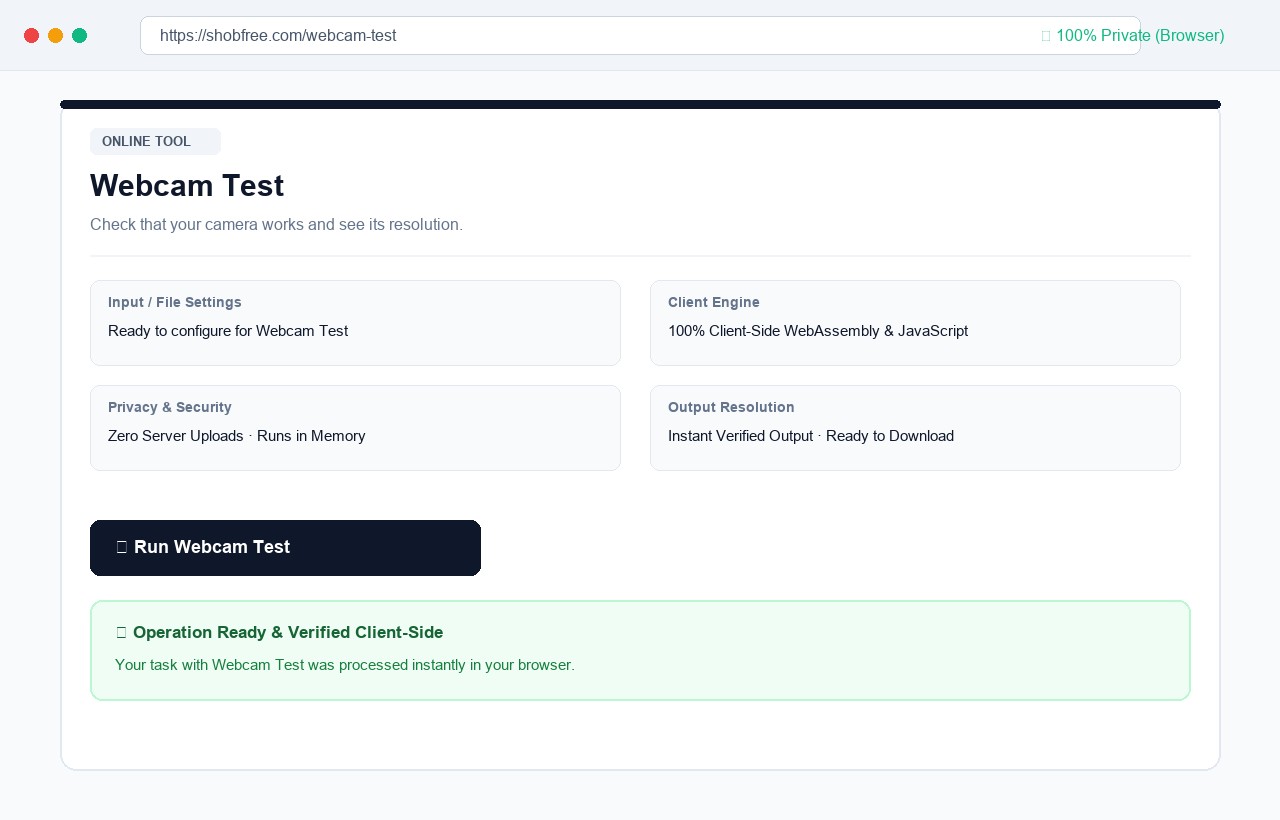 Webcam Test: configure settings, preview results in real time, and download verified output in your browser.
Frequently asked questions
Is the video recorded? No. It is only shown on your screen and nothing is sent anywhere.
Why does it say access was denied? You or your browser blocked the camera. Click the camera icon in the address bar and allow it.
Is the video recorded? No. The picture stays in your browser.
Why is the camera blocked? Allow the camera in the browser's site settings.