PDF Guides
How to Crop PDF Pages: Trim Margins and White Borders
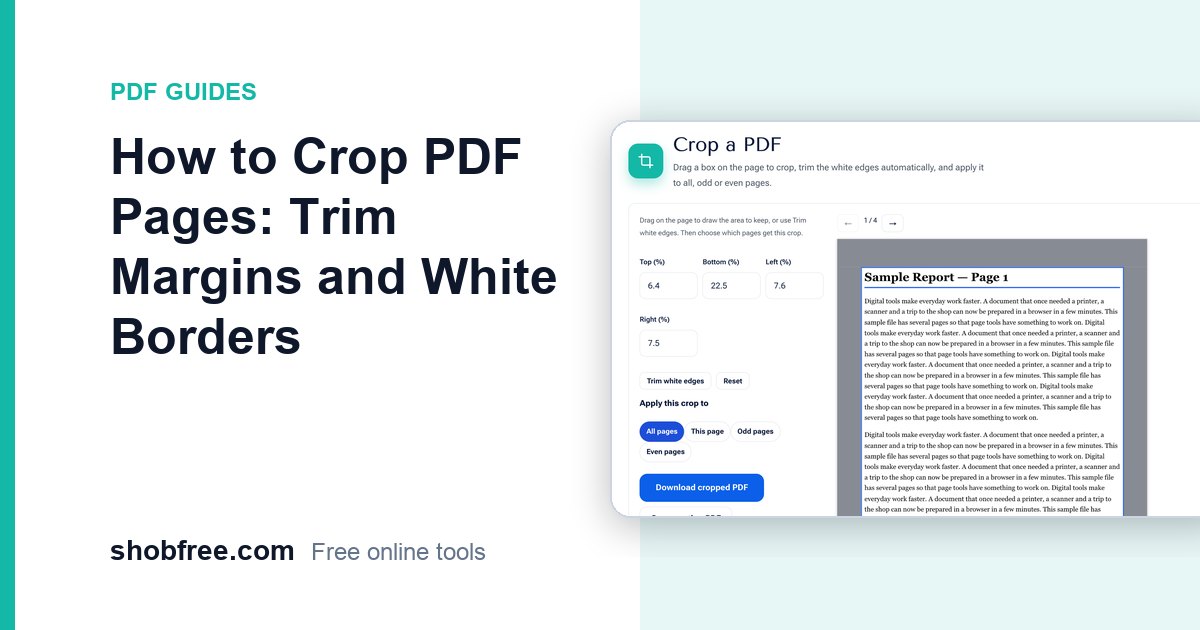
Crop PDF pages by dragging a box, trim the white edges automatically and apply the crop to all, odd or even pages. Free and in your browser.

84 tools
Convert Word, Excel, PowerPoint, text and CSV, make a CV or invoice, Bijoy to Unicode, Taka in words
All in this category51 tools
Make passport photos, set picture size and KB for forms, get text out of a picture, crop, rotate and convert JPG, PNG, WebP, HEIC
All in this category8 tools
Protect or unlock, hide sensitive details, compare two files
All in this category85 tools
Calculators, health and money tools, typing tests, timers and device checks for daily life.
All in this category22 tools
Fill and sign PDF forms, visa and passport photos, screen recorder, video tools, barcodes, letters and tax calculators, all free and private.
All in this categoryCategory
PDF is the format of forms, contracts, certificates and applications, and almost everyone needs to change one at some point. These guides show how to compress a PDF to fit an upload limit, merge several files into one, split out only the pages you need, convert between PDF and Word, and sign a document without printing it. Each article is a short, step-by-step tutorial for a free tool that runs in your browser, with tips for avoiding the usual mistakes.
19 guides
Crop PDF pages by dragging a box, trim the white edges automatically and apply the crop to all, odd or even pages. Free and in your browser.
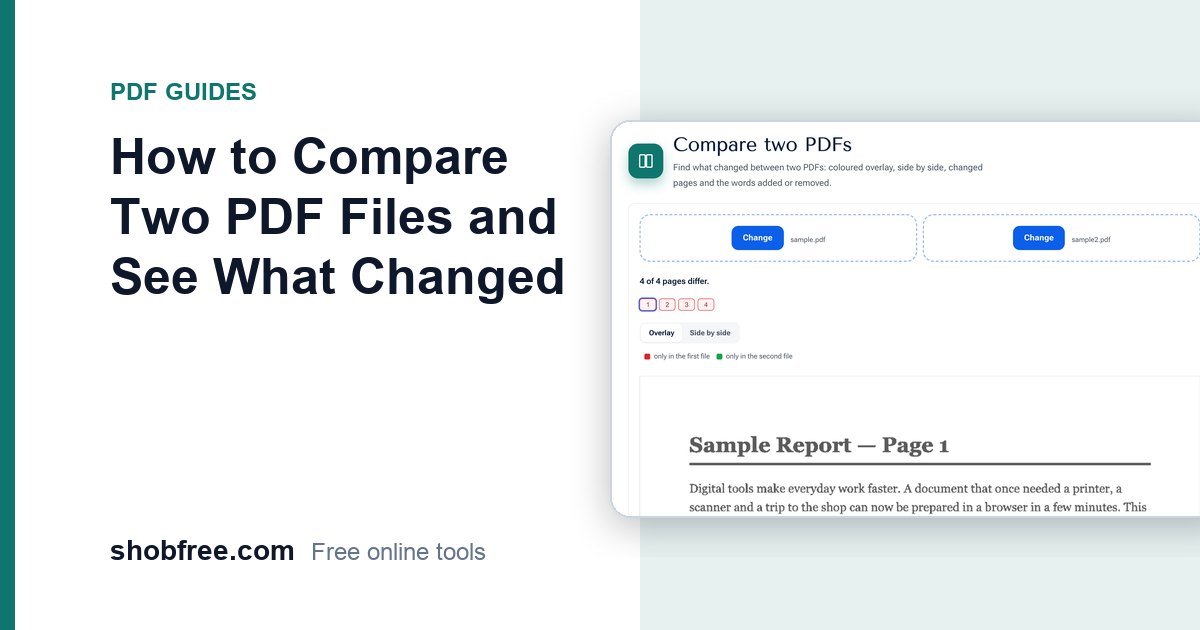
Compare two PDFs to find changed pages, added or removed words and visual differences, with a coloured overlay. Free and private in your browser.
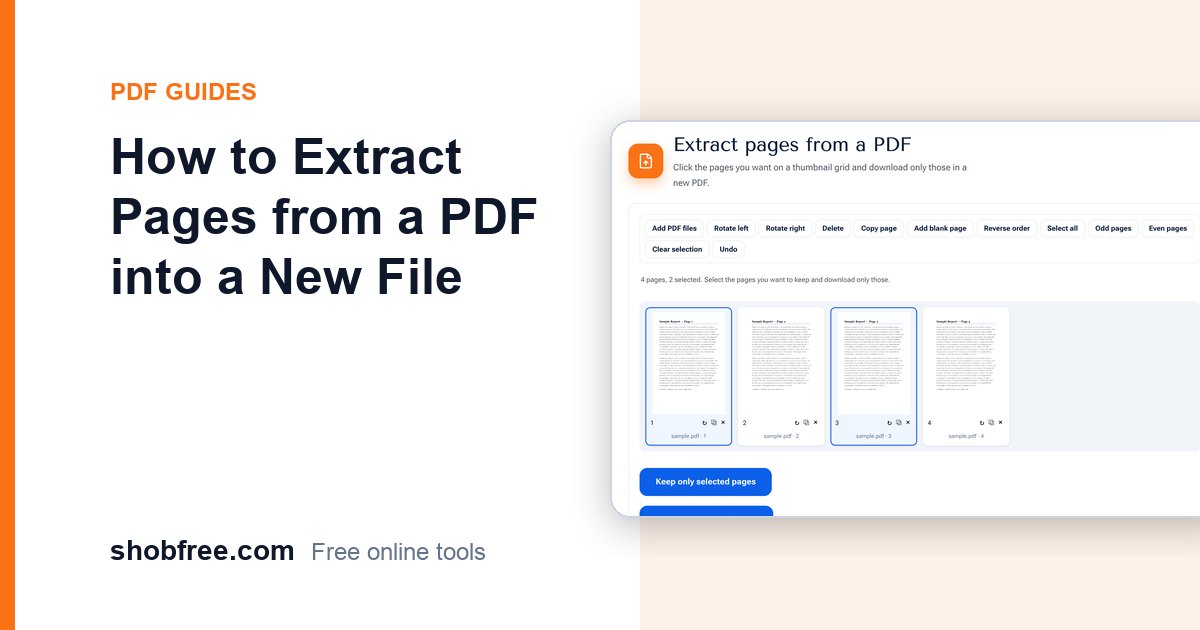
Pick the pages you need on a thumbnail grid and save only those pages as a new PDF. Free, fast and private, with no upload.
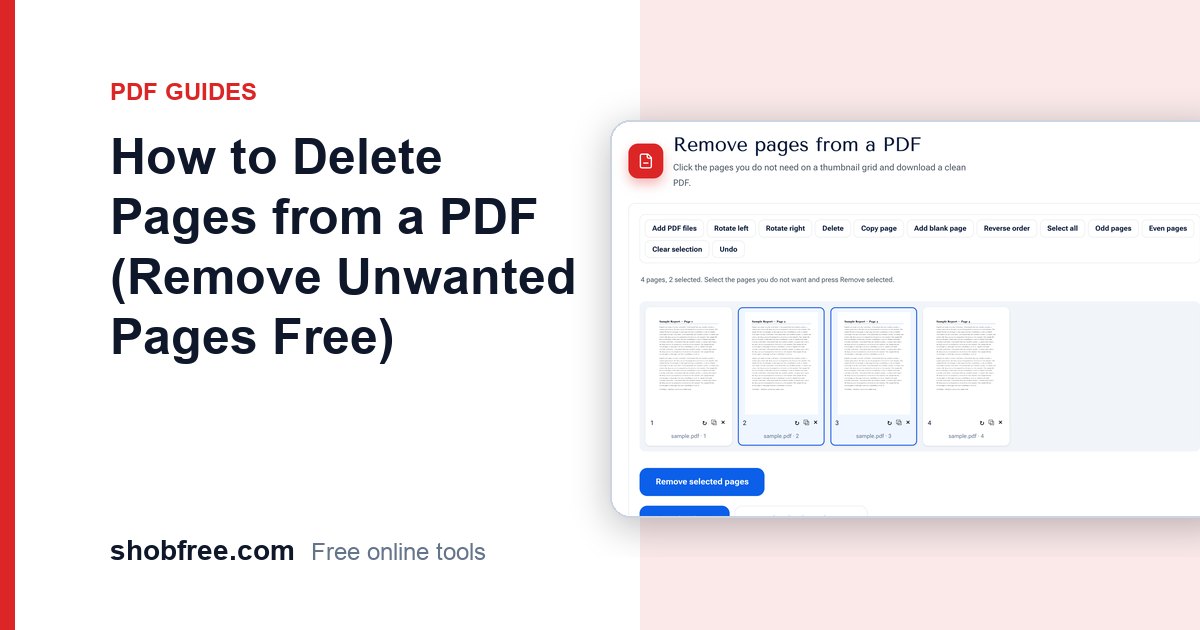
Delete one or many unwanted pages from a PDF by clicking them on a thumbnail grid and save a clean new file. Free, private, no upload.
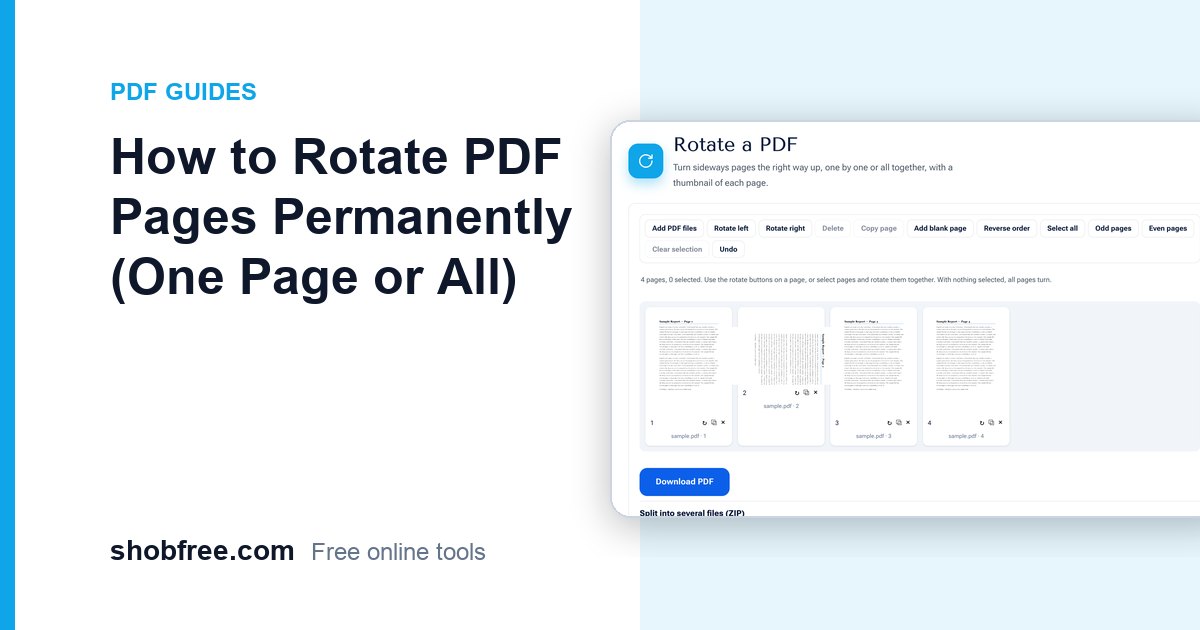
Turn sideways or upside-down PDF pages the right way up, one by one or all together, and save the file so it stays rotated. Free and private.
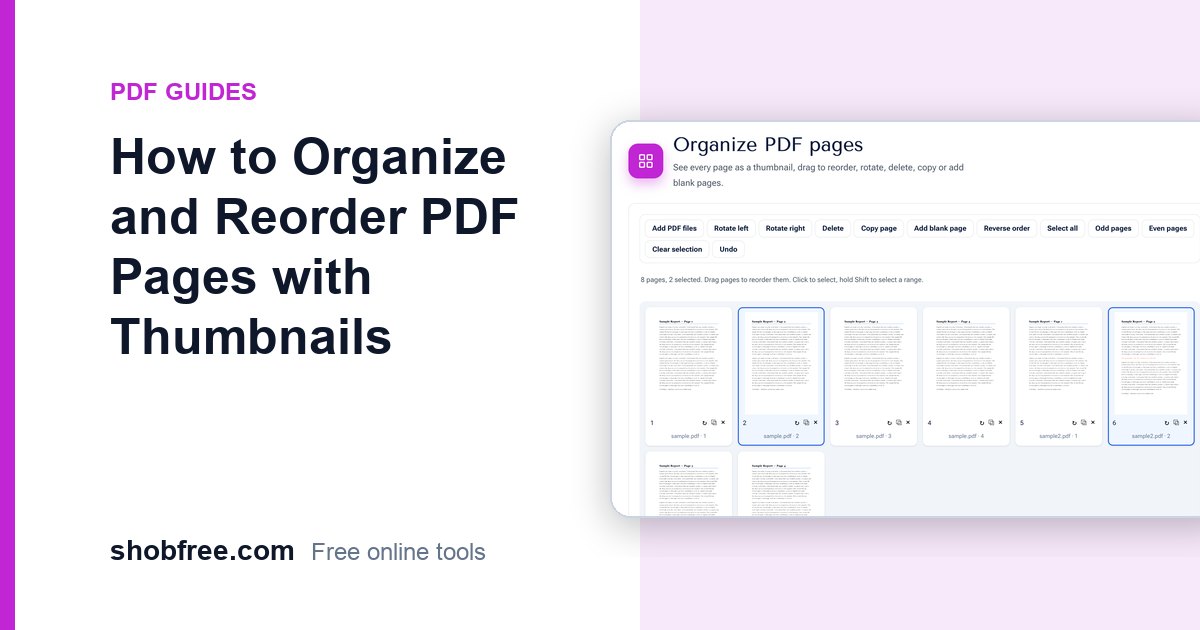
See every PDF page as a thumbnail and drag to reorder, rotate, delete, copy or add blank pages, then save the new file. Free and private.
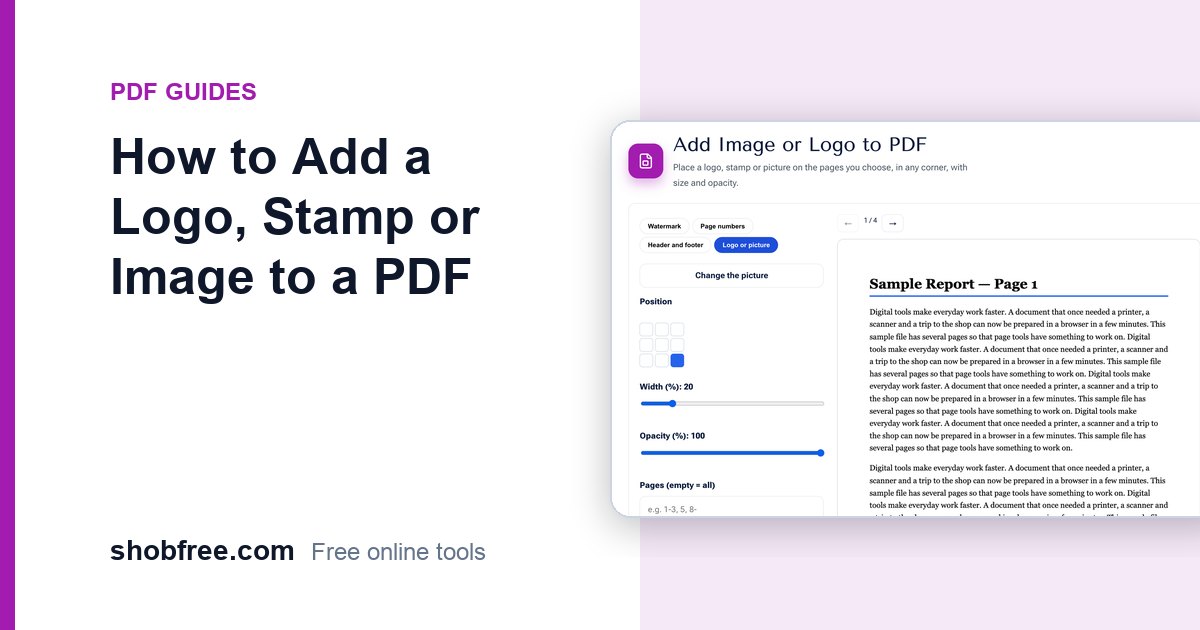
Place a logo, company stamp or picture on every page or chosen pages of a PDF, in any corner, with size and opacity control, free in your browser.
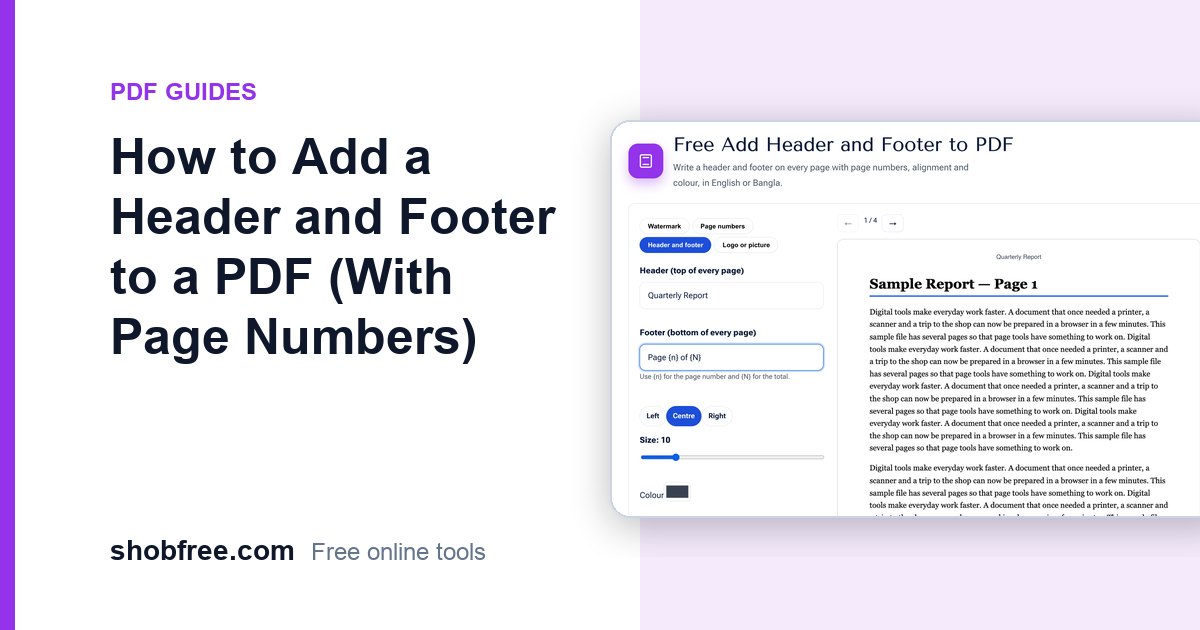
Put a title, date, company name or page numbers in the header and footer of every PDF page, with alignment and colour, in English or Bangla.
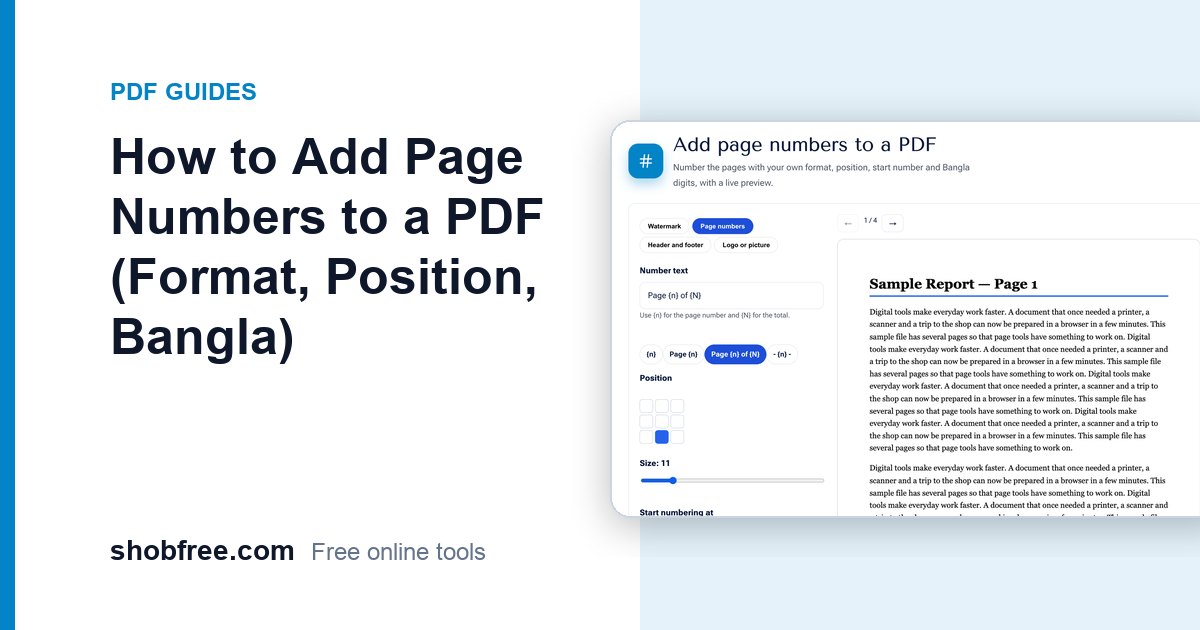
Add page numbers to any PDF with your own format, position, start number and Bangla digits, with a live preview and a free download.