PDF Guides
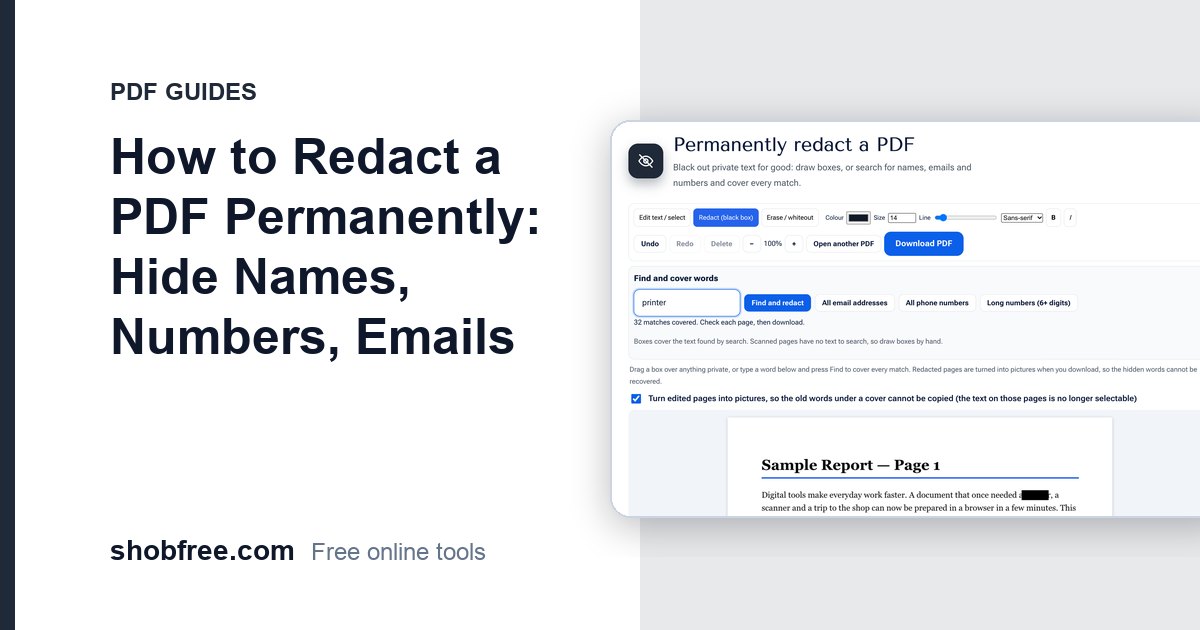
How to Redact a PDF Permanently: Hide Names, Numbers, Emails
Learn how to redact a PDF so private text cannot be recovered: draw boxes, search for words or emails and flatten the page, free and in your browser.

84 tools
Convert Word, Excel, PowerPoint, text and CSV, make a CV or invoice, Bijoy to Unicode, Taka in words
All in this category51 tools
Make passport photos, set picture size and KB for forms, get text out of a picture, crop, rotate and convert JPG, PNG, WebP, HEIC
All in this category8 tools
Protect or unlock, hide sensitive details, compare two files
All in this category85 tools
Calculators, health and money tools, typing tests, timers and device checks for daily life.
All in this category22 tools
Fill and sign PDF forms, visa and passport photos, screen recorder, video tools, barcodes, letters and tax calculators, all free and private.
All in this categoryCategory
PDF is the format of forms, contracts, certificates and applications, and almost everyone needs to change one at some point. These guides show how to compress a PDF to fit an upload limit, merge several files into one, split out only the pages you need, convert between PDF and Word, and sign a document without printing it. Each article is a short, step-by-step tutorial for a free tool that runs in your browser, with tips for avoiding the usual mistakes.
19 guides
Learn how to redact a PDF so private text cannot be recovered: draw boxes, search for words or emails and flatten the page, free and in your browser.
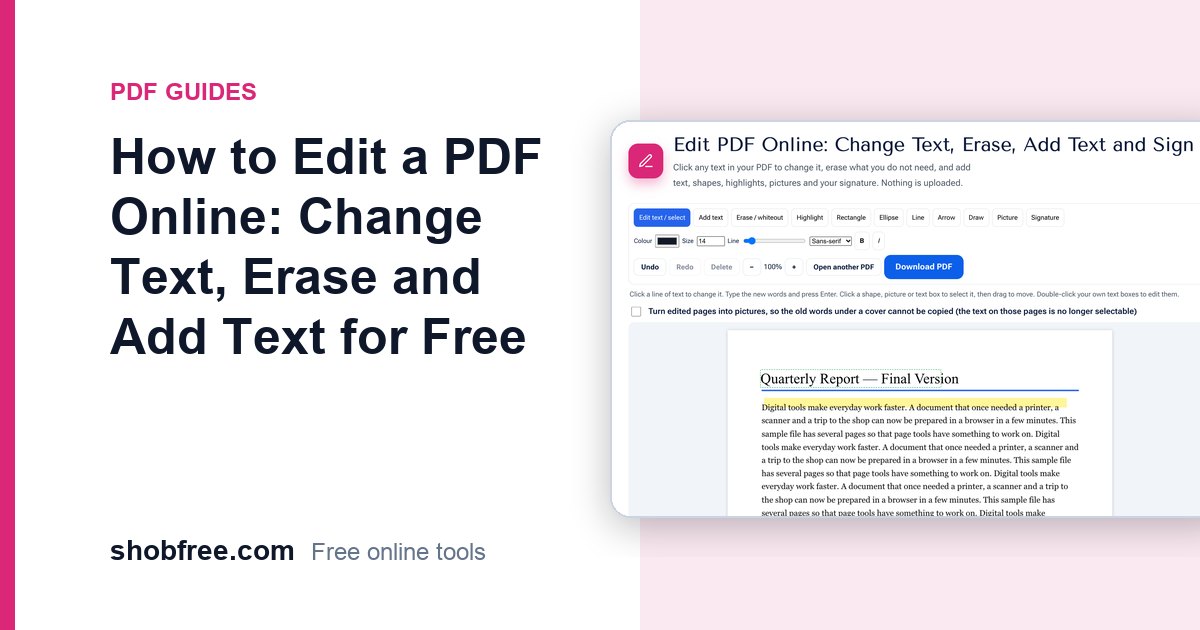
Edit a PDF in your browser: change existing text in place, erase, highlight, add text, shapes, pictures and a signature, with no upload or sign-up.
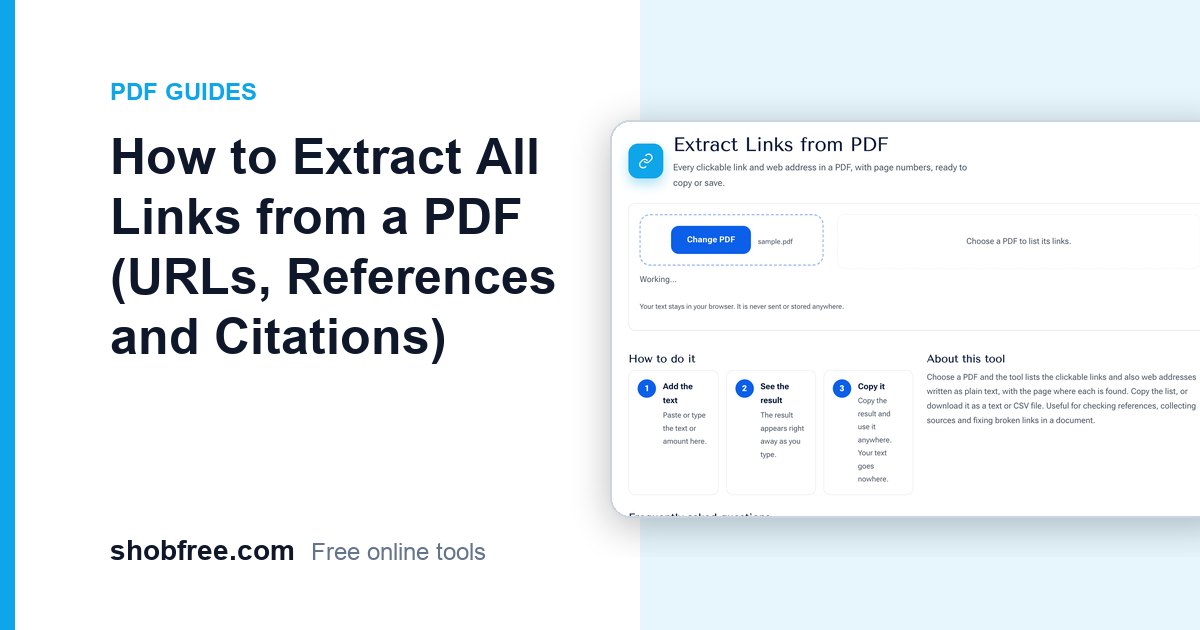
List every clickable link and web address in a PDF with page numbers, export them to text or CSV, and use the list to check references and broken links.
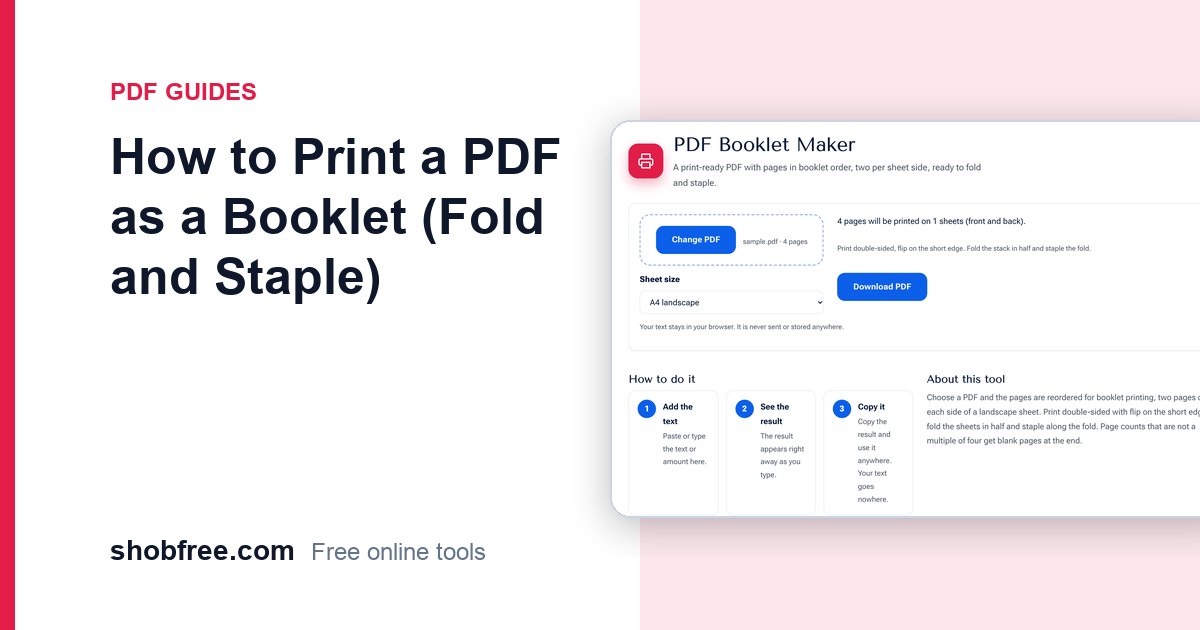
Learn how to rearrange PDF pages for booklet printing, print double sided and fold into a neat booklet at home or at a shop.
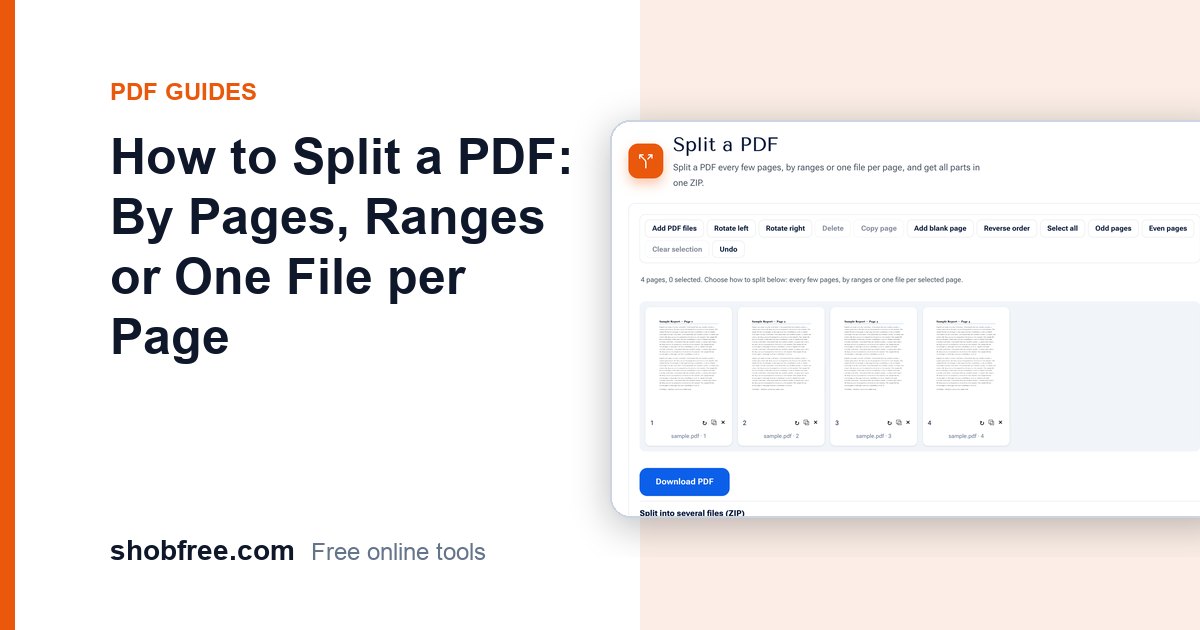
Split a PDF into several files every few pages, by ranges or one file per page, and download all the parts in one ZIP. Free and private in your browser.
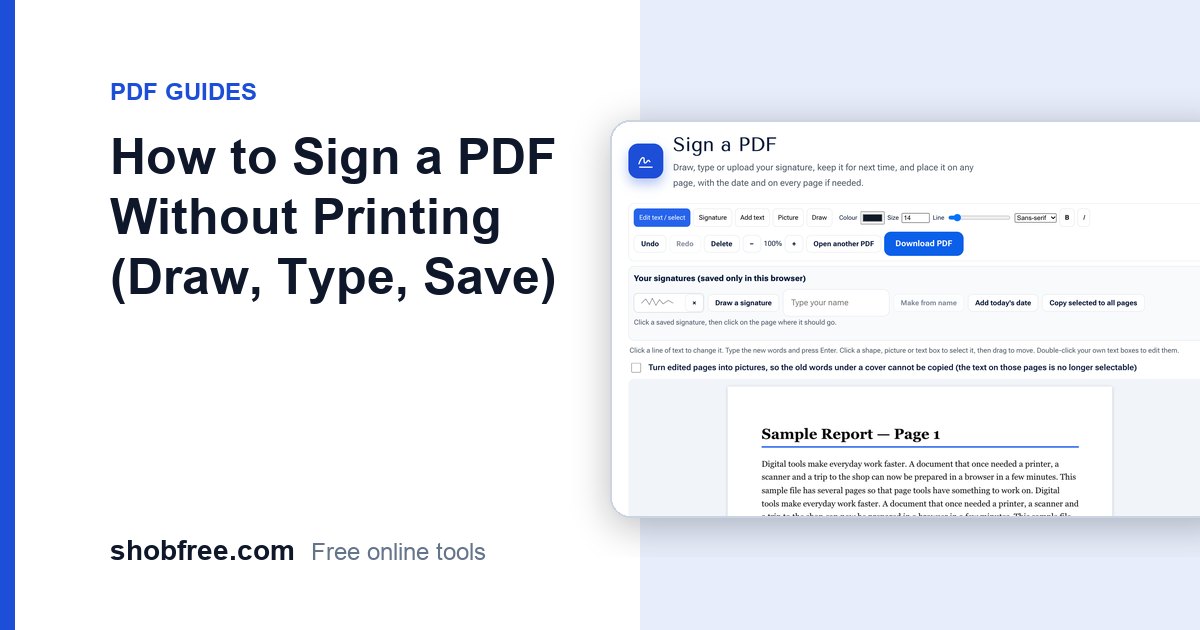
Sign a PDF on your computer or phone: draw or type your signature, save it in your browser, add the date and place it on any page. Free and private.
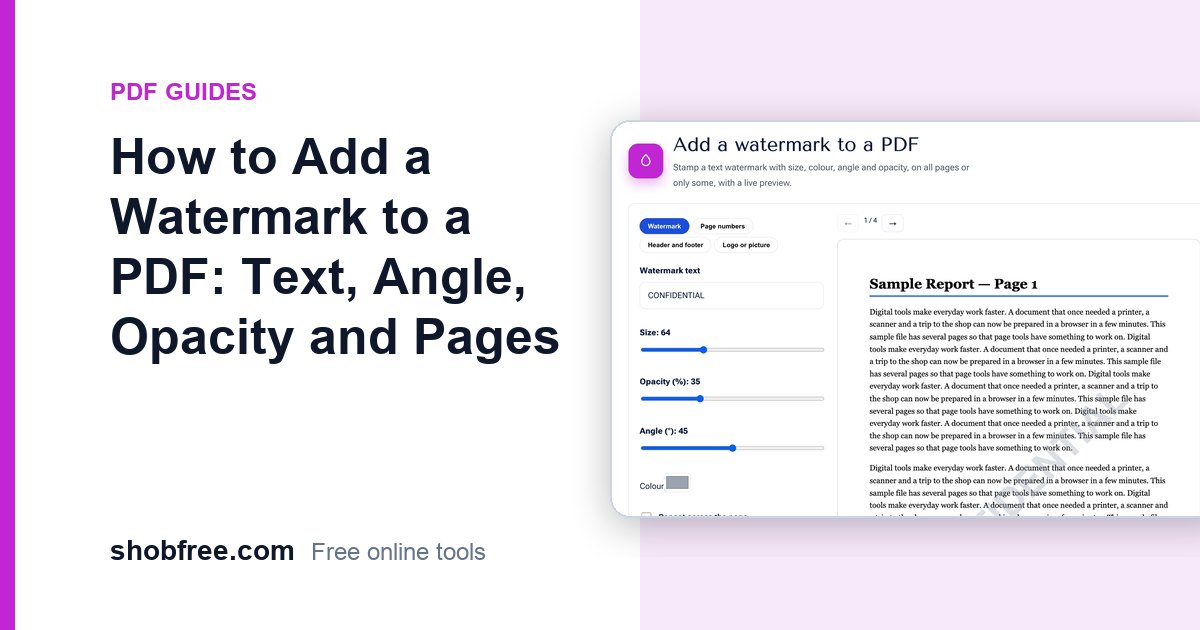
Add a text watermark such as CONFIDENTIAL or DRAFT to a PDF with size, colour, angle and opacity, on all pages or some, with a live preview.
Turn a PDF into an editable Word (DOCX) file for free. Learn what converts well, what to do with scanned PDFs, and how to fix layout issues.
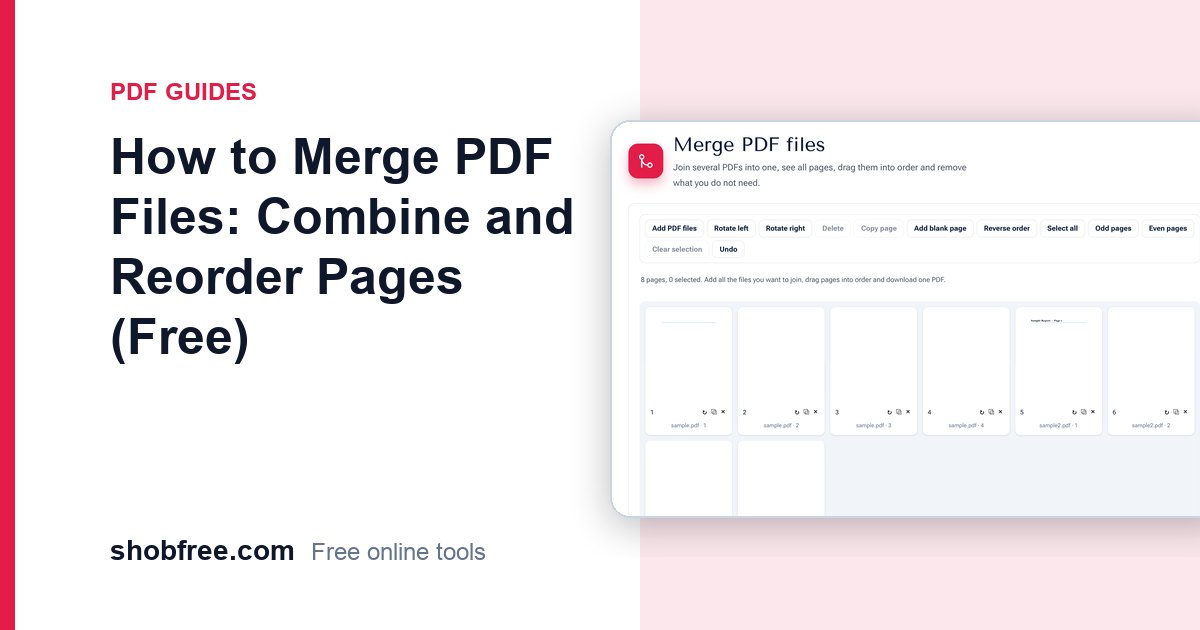
Merge several PDF files into one, see every page as a thumbnail, drag pages into order and remove what you do not need. Free, private, no upload.