How to Organize and Reorder PDF Pages with Thumbnails
See every PDF page as a thumbnail and drag to reorder, rotate, delete, copy or add blank pages, then save the new file. Free and private.

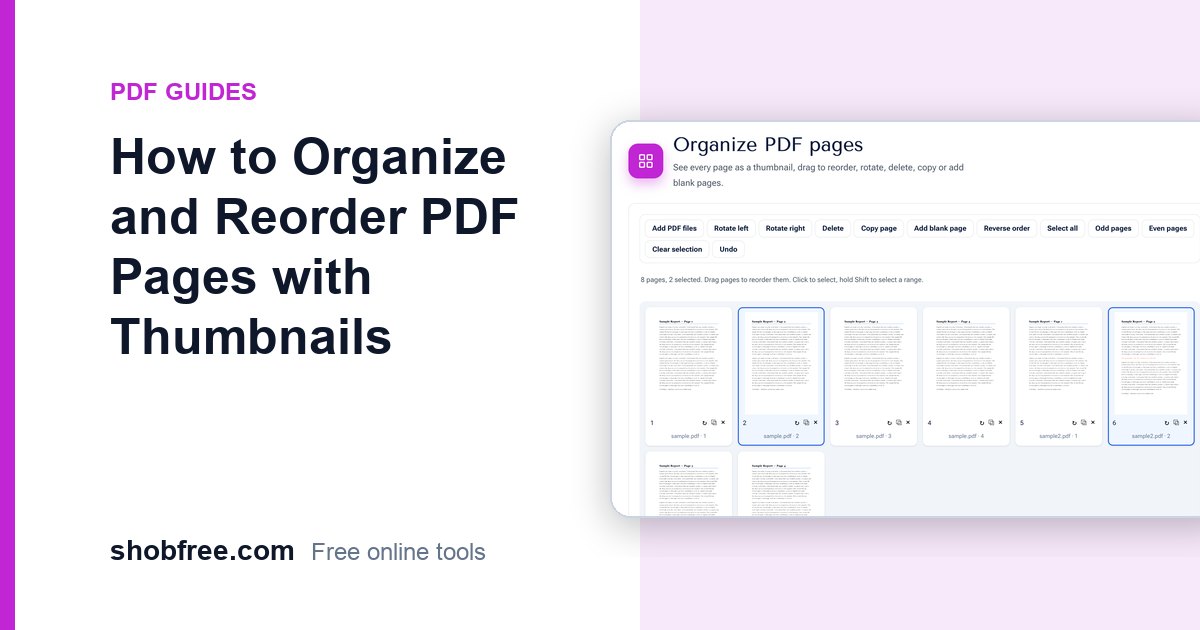
A scanned stack of papers, a report with pages in the wrong order, a document with a blank page in the middle: the fix is to see all the pages together and move them around. The free Organize PDF tool shows every page as a thumbnail, so you can drag, rotate, delete and copy pages like cards on a table.
Quick answer
Open Organize PDF, choose your file and drag the thumbnails into the order you want. Use the buttons to rotate, delete, copy or add a blank page, then press Download PDF.
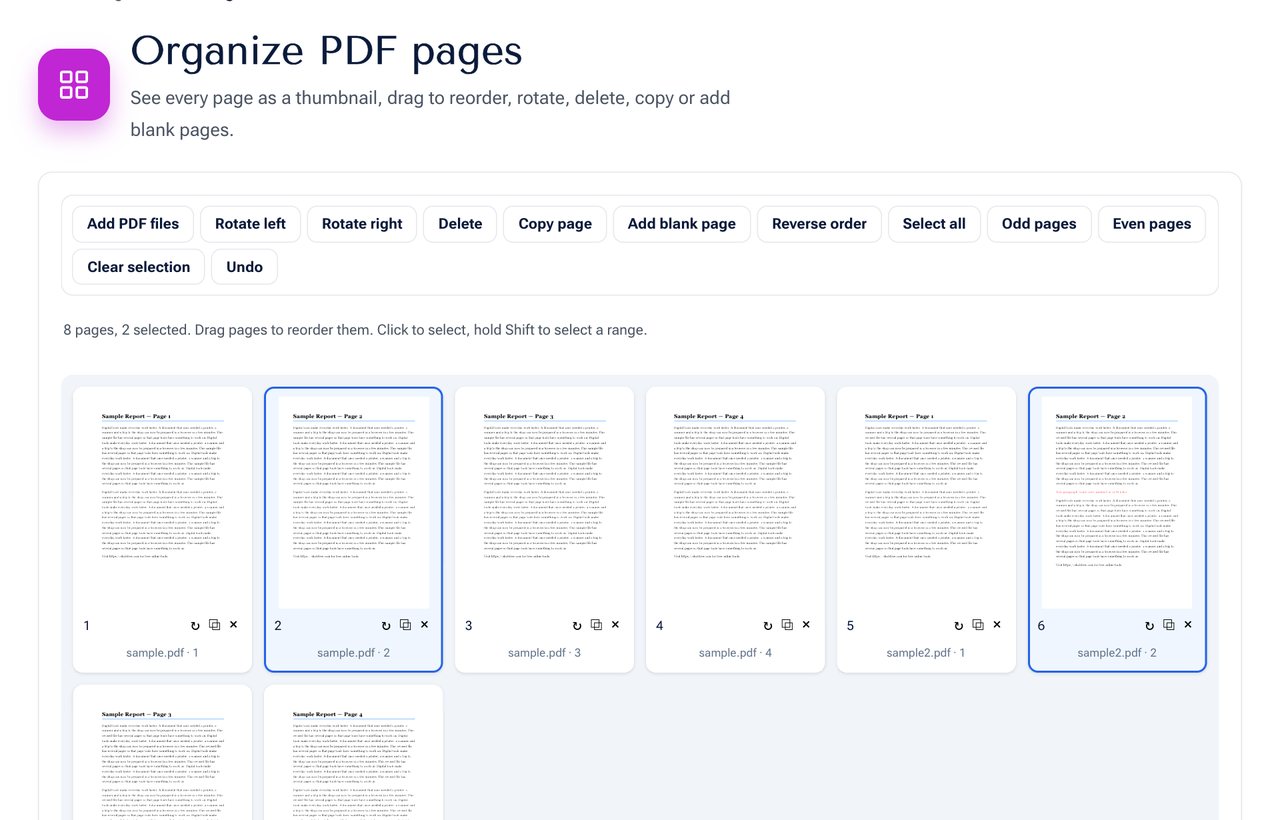 The Organize PDF tool: pages as thumbnails that can be dragged into a new order.
What you can do
| Action | How |
|---|---|
| Reorder pages | Drag a thumbnail to a new place. Selected pages move together. |
| Rotate | Use the arrow button on a page, or select pages and press Rotate left or Rotate right. |
| Delete | Press × on a page, or select pages and press Delete. |
| Copy a page | Press the copy button, and the duplicate appears next to it. |
| Add a blank page | Press Add blank page. It goes after the selected page or at the end. |
| Reverse the order | Press Reverse order, useful for pages scanned backwards. |
| Select odd or even pages | Press Odd pages or Even pages, for double-sided scans. |
| Add more files | Press Add PDF files to bring in pages from other documents. |
| Undo | Press Undo to step back. |
Step by step
- Open the tool and choose your PDF. You can choose several files at once.
- Wait a moment for the thumbnails to appear.
- Click a page to select it. Hold Shift and click another to select a range.
- Drag the selected pages to the new position. A green outline shows where they will land.
- Rotate sideways pages and delete the pages you do not need.
- Press Download PDF to save the pages in the order shown.
Common problems and how to fix them
Double-sided pages are in the wrong order. If a scanner put all the fronts first and then the backs, select odd pages and even pages and rebuild the order by dragging, or reverse the order of the back pages first.
Some pages are sideways. Select them and press Rotate right or left. The thumbnail turns so you can check it before you save.
There is a blank page in the middle. Delete it. You can also run Remove Blank Pages to find them automatically.
A page appears twice. Remove one copy with the × button.
Tips
- Name the new file clearly. The saved file keeps the original name with "organized" added.
- Zoom into important pages by saving a first version and opening it in your PDF viewer.
- To join several files, add them all and drag their pages into one order. See also How to Merge PDF Files.
- To split the result into several files, use the split section at the bottom of the same tool.
Privacy
The thumbnails are made in your browser and the pages never leave your device.
Frequently asked questions
Does it change the quality of my pages? No. The pages are copied as they are, not converted to pictures.
Is there a page limit? Very large files depend on your device's memory. If it is slow, split the file first.
Can I organise a password-protected PDF? Remove the password first with Unlock PDF, if you have the right to.
Do the bookmarks and links survive? Page content and visible links are kept. Bookmarks that point to moved pages may need to be rebuilt in a full editor.
Next step
Open Organize PDF and put your pages in order.