How to Extract All Links from a PDF (URLs, References and Citations)
List every clickable link and web address in a PDF with page numbers, export them to text or CSV, and use the list to check references and broken links.

A long report, a thesis or an e-book can contain dozens of links, and clicking through them one by one is slow. You may need the list to check that they still work, to collect sources or to move them into another document. The free Extract Links from PDF tool finds every link in a few seconds, with the page where each one appears.
Quick answer
Open the tool, choose your PDF and wait a moment. You see a table of page numbers and links. Copy the list, or download it as a TXT or CSV file.
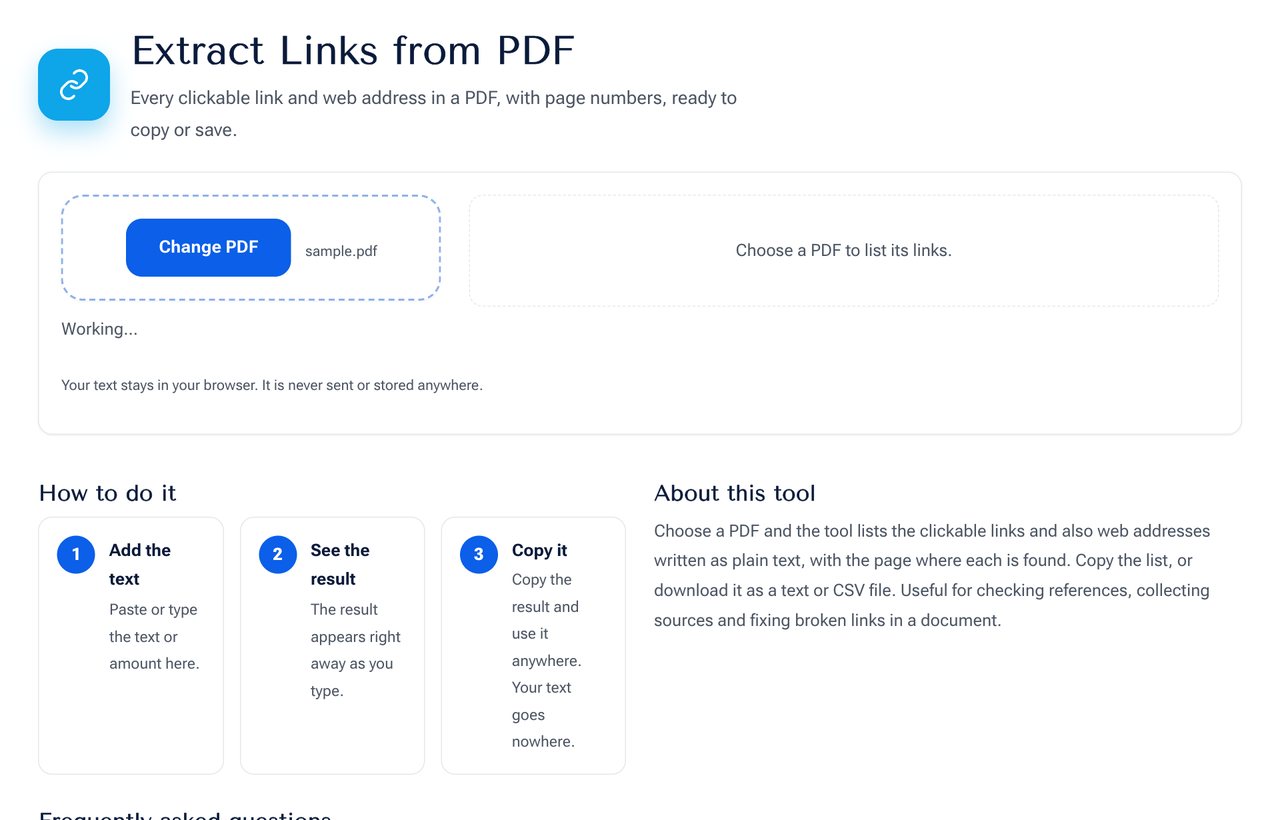 The Extract Links from PDF tool showing the links found with page numbers.
Two kinds of links in a PDF
- Clickable links. These are link annotations on a word or area. The tool reads the destination address stored behind the link.
- Plain text addresses. These are web addresses typed in the text, starting with http, https or www. They may or may not be clickable. The tool finds them by reading the page text.
The tool shows both and removes duplicates on the same page.
Steps
- Open the Extract Links from PDF tool.
- Choose the PDF from your device.
- Wait while the pages are read. Large files take a little longer.
- Review the list of links with their page numbers.
- Copy the list, or download it as a TXT or CSV file.
What you can do with the list
- Check for broken links. Paste the addresses into a link checker, or open them in batches.
- Collect sources from a research report or a thesis for a reference list.
- Audit a company document to see where it sends readers.
- Move links from a PDF into a web page or a spreadsheet.
- Find tracking or unwanted links in a file that you received.
Limits to know
- Links in a scanned PDF that has only images cannot be found, because the text is a picture. Run it through OCR first.
- Internal links, such as jumps to another page, have no web address and are not listed.
- A link whose address is broken across two lines in the text may be cut. Check long addresses.
- Email addresses and phone numbers are not included, only web links.
Safety when opening links from a PDF
A link in a document you did not write can point anywhere. Before you open it, hover or read the address, and be careful with shortened links. Avoid entering passwords after following a link from an unknown document, and keep your browser and antivirus up to date.
Privacy
The PDF is read in your browser on your own device. It is not uploaded, so confidential documents stay private.
Related PDF tools
Remove the metadata of a file with the PDF Metadata tool, merge several files with Merge PDF, or convert a file to text with PDF to Text.
Frequently asked questions
Does it work with password-protected PDFs? Remove the password first with the Unlock PDF tool if you have the right to do so.
Is there a limit on pages? Very large files depend on your device's memory. Split the file if it is slow.
Can I get the link text as well as the address? The list shows the address and the page. The visible text is in the document itself.
Next step
List the links in your document with the Extract Links from PDF tool.