How to Turn Typed Text into a Handwritten Page (English and Bangla)
Create a handwritten-style page from typed text on lined, plain or grid paper, with tips on realistic results and honest, ethical use.

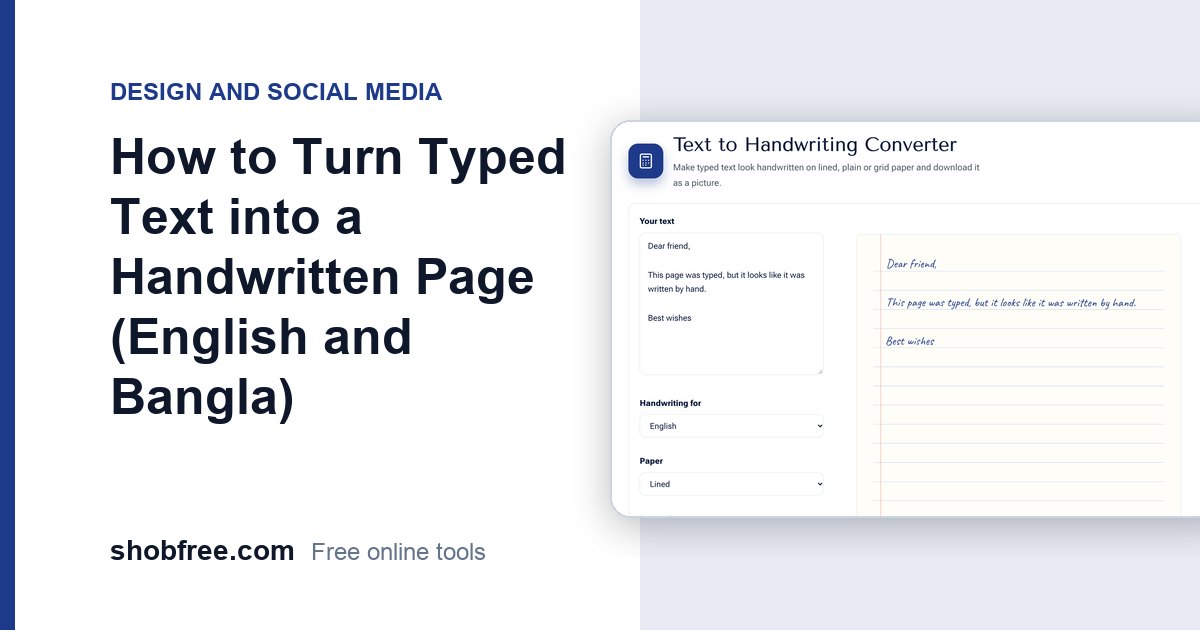
Sometimes you want text to look handwritten: a greeting card, a mock-up, a note in a design, a diary page for a story or a sample for a font test. The free Text to Handwriting Converter turns typed text into a handwritten-style page, in English or Bangla, on lined, plain or grid paper.
Quick answer
Type or paste your text, choose English or Bangla handwriting, pick the paper, set the letter size and ink colour, and download each page as a PNG.
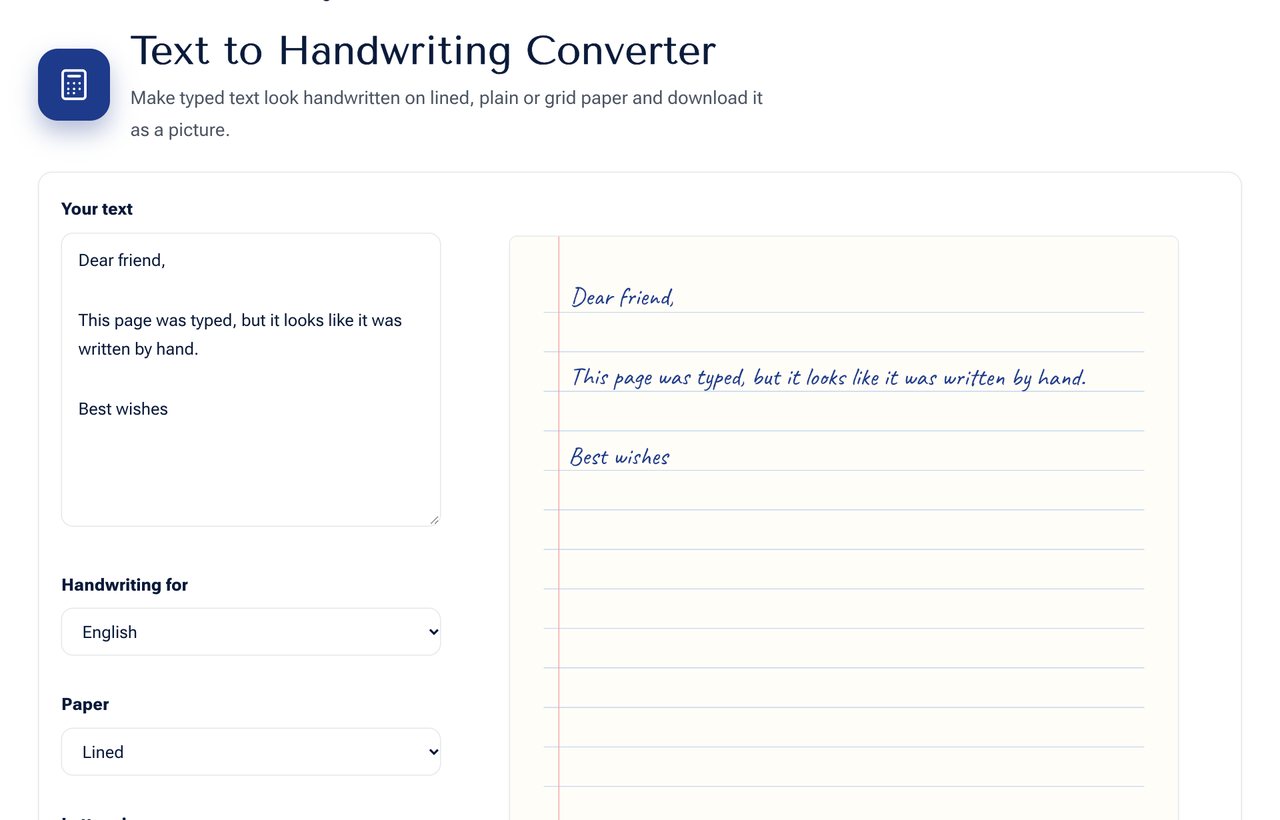 The Text to Handwriting Converter with a preview page.
How the page is made
The text is drawn with a handwriting-style font. Each line is placed on the paper with tiny random shifts in position and angle, so that letters do not look like perfect copies. Long text continues onto more pages automatically. Everything is created in your browser and nothing is uploaded.
Choosing the options
| Option | Choices | Tip |
|---|---|---|
| Language | English or Bangla | Pick the one that matches your text, since each font supports its own letters |
| Paper | Lined, plain, grid | Lined suits notes, plain suits letters, grid suits maths and diagrams |
| Letter size | Small to large | Medium sizes look most natural |
| Ink colour | Any | Blue or black looks most realistic |
Good uses
- Greeting cards, invitations and thank-you notes.
- Social media posts that need a personal touch.
- Study notes as a mock-up for a design or website.
- Props for videos, presentations and stories.
- Testing how a layout looks with handwriting.
Please use it honestly
A handwritten page created by software is not your own handwriting. Do not use it to submit work that a school, college or employer requires you to handwrite yourself, or to pass off generated pages as hand-written proof. Such use is dishonest and often breaks the rules of an institution. Use the tool for creative, design and personal purposes.
Tips for a natural look
- Use medium letter size and a dark blue ink.
- Keep paragraphs short, as people rarely write long unbroken lines.
- Leave a small margin, which the lined paper style already does.
- For a card, use plain paper and a larger size.
- Print on cream or recycled paper for a realistic feel.
Bangla handwriting
Choose Bangla for a handwriting-style font that supports Bangla letters and conjuncts. The shapes of some compound letters may differ from your own hand, since this is a typeface. If you need an exact personal style, scan your own writing instead.
Frequently asked questions
Can I use it for a signature? Use the Signature Maker, which is built for signatures.
Is the output free to use? Yes. The tool is free and the page you create is yours.
What if my text is very long? It flows onto additional pages, and you can download each one.
Next step
Create a page with the Text to Handwriting Converter. To add text to a picture instead, use Text on Image.