How to Convert Colours Between HEX, RGB, HSL and CMYK
Understand colour codes for web and print, convert between HEX, RGB, HSL and CMYK, and avoid the common problems when colours look different.

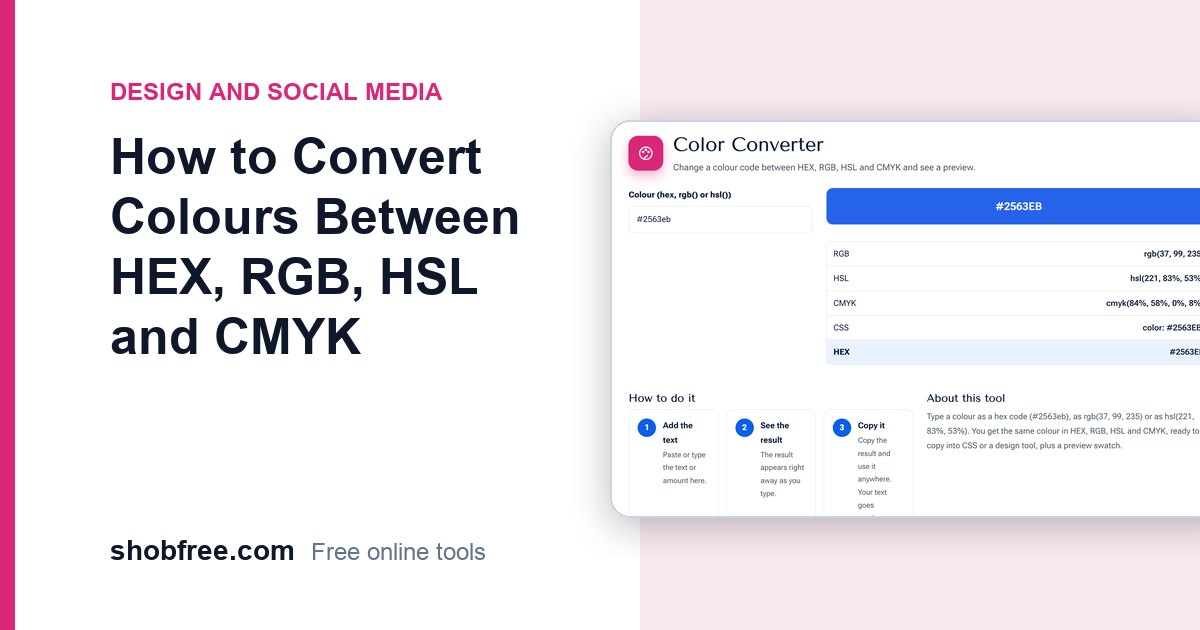
A designer gives you a colour as a HEX code, your printer asks for CMYK and your CSS file uses HSL. They all describe a colour, but each system works differently. The free Color Converter translates between HEX, RGB, HSL and CMYK and shows a live preview.
Quick answer
The blue #2563EB is rgb(37, 99, 235), hsl(221, 83%, 53%) and about cmyk(84%, 58%, 0%, 8%). Type any one of these into the converter and you get the others.
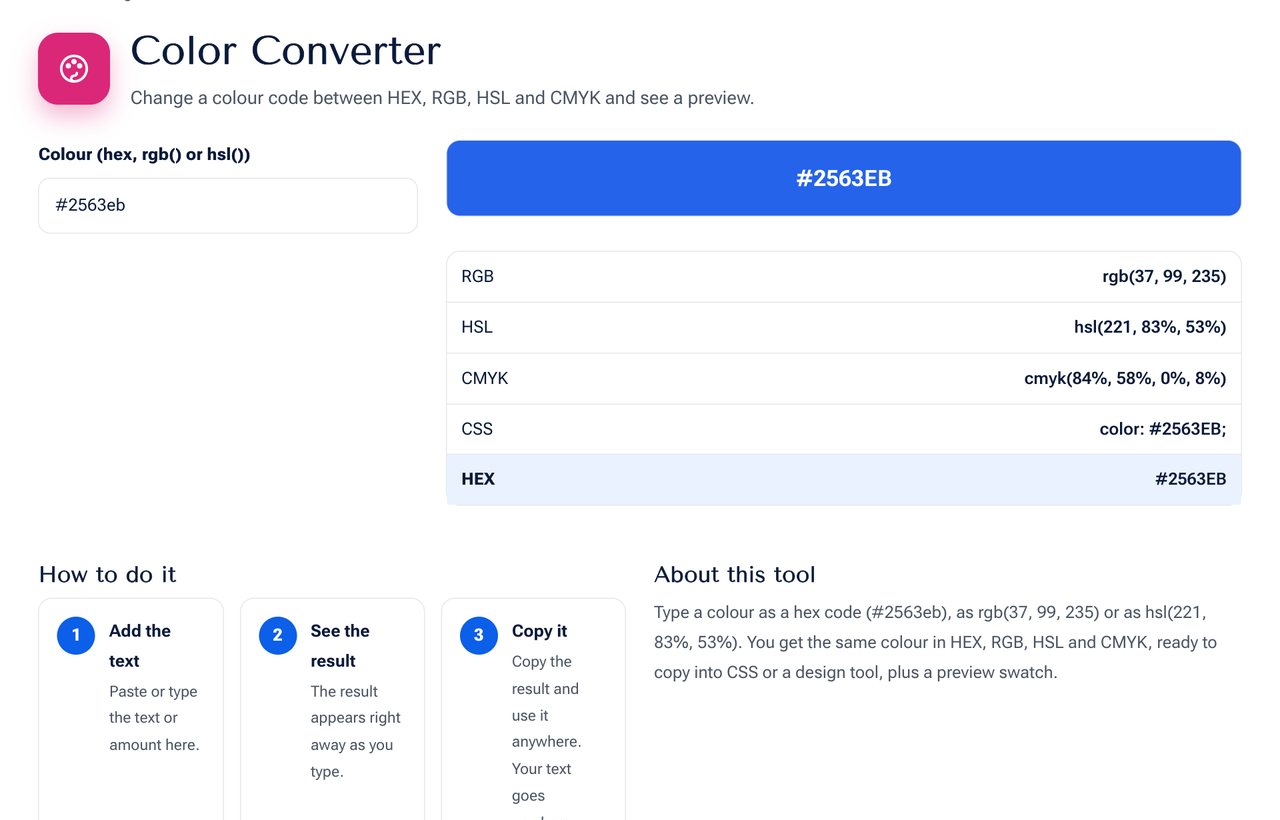 The Color Converter showing the same colour in four formats.
The four colour systems
| System | How it works | Used for |
|---|---|---|
| HEX | Red, green and blue as three two-digit hexadecimal numbers, such as #2563EB | Web design, CSS, brand guides |
| RGB | Red, green and blue from 0 to 255 | Screens, photos, CSS |
| HSL | Hue (0 to 360 degrees), saturation and lightness in percent | Choosing and adjusting colours by eye |
| CMYK | Cyan, magenta, yellow and black in percent | Printing |
HEX and RGB are two ways of writing the same values: #25 is 37, #63 is 99 and #EB is 235.
Why HSL is friendly
HSL separates the colour (hue) from how strong it is (saturation) and how light it is (lightness). To make a button hover colour, keep the hue and lower the lightness by about 8 percent. To get a soft background, keep the hue and raise the lightness above 90 percent. This is much easier than editing three RGB numbers.
RGB to CMYK is not exact
Screens create colour by adding light (RGB). Printers create it by absorbing light with inks (CMYK). The range of colours differs, and some bright screen colours, such as vivid blues and greens, cannot be printed exactly. The converter uses the simple mathematical conversion. A real print uses a colour profile, so always ask your printer for a proof of important work.
Short HEX codes
A three-digit HEX such as #F80 is shorthand for #FF8800, where each digit is doubled. HEX with eight digits adds a final pair for transparency (alpha), as in #2563EB80.
Practical tips
- Use HEX or RGB for screen work and keep a record of the exact codes in your brand guide.
- Convert to CMYK only for print, and ask the printer for profile settings.
- Check text and background pairs for contrast with the Color Contrast Checker.
- To pick a colour from an image, use the Color Picker.
- Keep a small palette: one main colour, one accent and a few neutral greys.
Common problems
- The colour looks different on another screen. Screens have different calibration and brightness.
- Print is duller than the screen. CMYK has a smaller range, so convert early and check.
- Brand colour mismatch. Always copy the exact code instead of picking by eye.
Frequently asked questions
Which format should I use in CSS? Any of HEX, RGB and HSL works. Many teams use HEX for simplicity and HSL for variations.
What does the preview show? The colour as your screen displays it, in the sRGB colour space.
Can I enter HSL values? Yes. Type them as hsl(221, 83%, 53%).
Next step
Convert a colour with the Color Converter.