How to Make Quote Images for Facebook, Instagram and WhatsApp
Create shareable quote pictures with the right size, readable fonts and good contrast, with a step-by-step guide and design tips for social media.

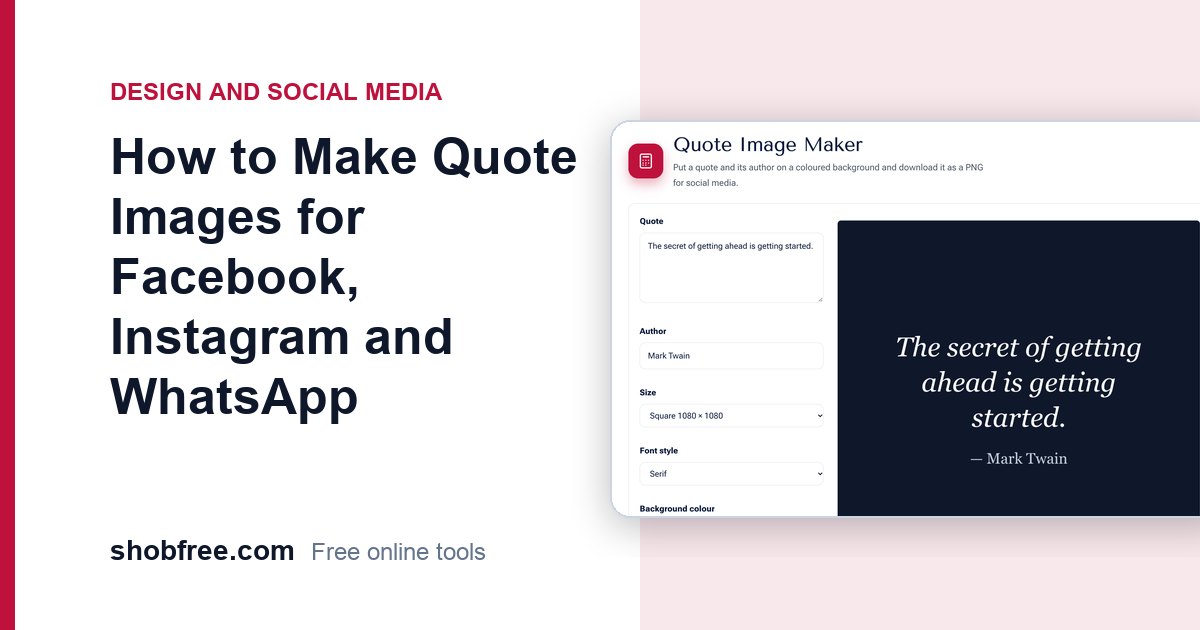
A short quote on a clean background is one of the most shared kinds of post. It takes only a minute to make, works in any language and needs no design skills. The free Quote Image Maker turns text into a picture sized for your platform, in your browser, without sign-up.
Quick answer
Type your quote and the author, choose a size (square, story or wide), pick a background colour and a font style, then download the PNG.
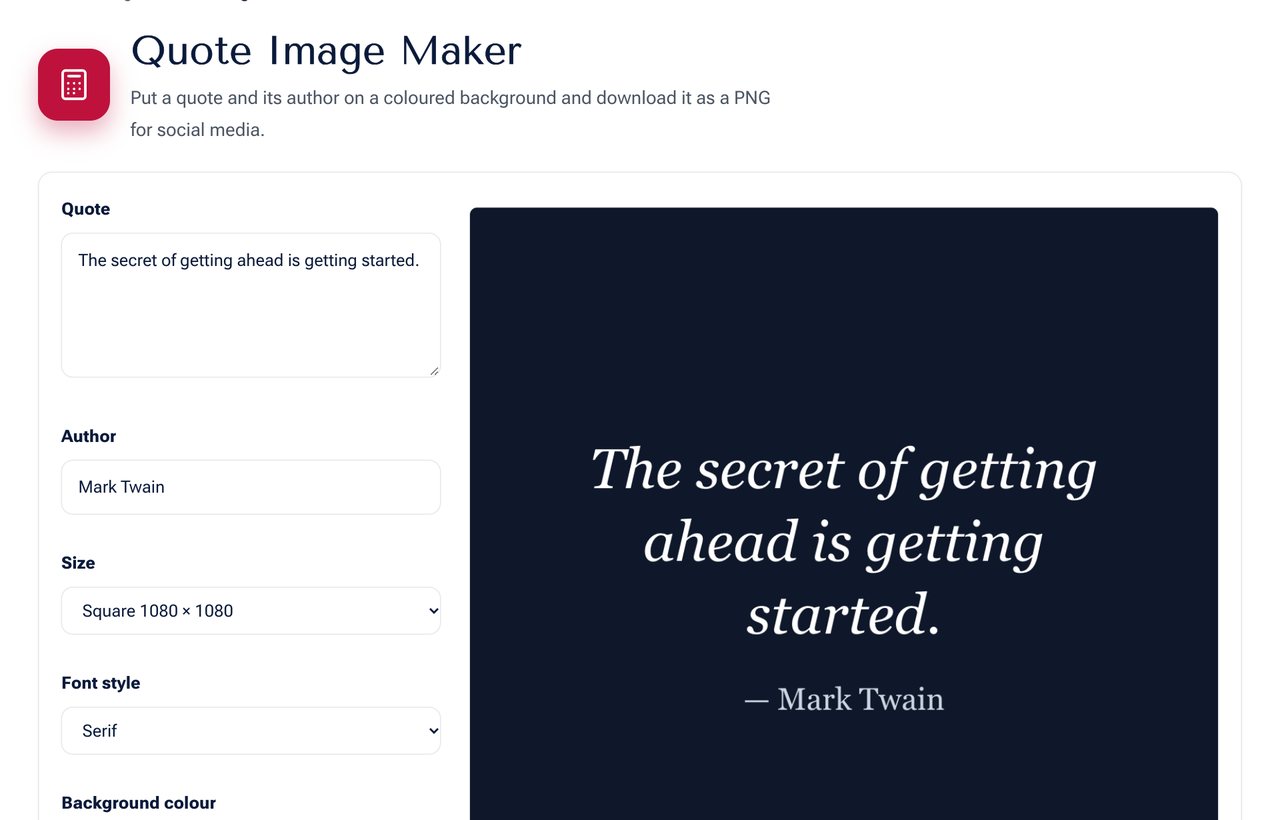 The Quote Image Maker with a quote and preview ready to download.
Pick the right size
| Size | Pixels | Best for |
|---|---|---|
| Square | 1080 x 1080 | Instagram and Facebook feed posts |
| Story | 1080 x 1920 | Instagram and Facebook stories, WhatsApp status, reels covers |
| Wide | 1200 x 630 | Link previews, Facebook shares, blog images |
Steps
- Open the Quote Image Maker.
- Type or paste your quote. Short is better: aim for 15 to 25 words.
- Add the author or source.
- Choose a size for the platform you will post on.
- Pick a background colour with strong contrast to the text.
- Choose a font style: serif for a classic feel, sans for a modern look, handwriting for a personal feel (English only).
- Download the PNG and upload it.
Design tips that make a quote stand out
- Keep it short. A long paragraph on a picture is hard to read on a phone.
- Use strong contrast. Dark text on a light background, or white on a dark colour. Check pairs with the Color Contrast Checker.
- Leave empty space. Margins make the text feel calmer and easier to read.
- Use one font only. Mixing several styles looks messy.
- Use your brand colours so people recognise your posts in the feed.
- Credit the source. Never present someone else's words as your own.
Using Bangla quotes
Bangla text works well. Choose the serif or sans style, because the handwriting style is designed for English letters. Keep the lines short so that conjunct letters stay readable, and test the preview on a phone-sized screen.
Copyright and permissions
Quotes from old public-domain works are generally free to use. Short quotes from modern authors are often used with credit, but you should not post whole poems or passages that are still under copyright. When in doubt, quote a line, name the author and link to the original source.
Posting tips
- Add a caption that explains why the quote matters to you.
- Use two to five relevant hashtags, not thirty.
- Post at a time when your audience is online.
- Reuse the same style so that your page looks consistent.
Frequently asked questions
Is it free to use the pictures commercially? The tool is free and the picture is yours. The quote itself may have its own rights.
Is my text uploaded? No. The picture is made in your browser.
Can I change the background to a photo? Use the Text on Image tool to place text over your own photo.
Next step
Make your first picture with the Quote Image Maker. Resize it for every platform with the Social Image Resizer.