Images and Photos
How to Turn a Photo into a Pencil Sketch or Cartoon Online
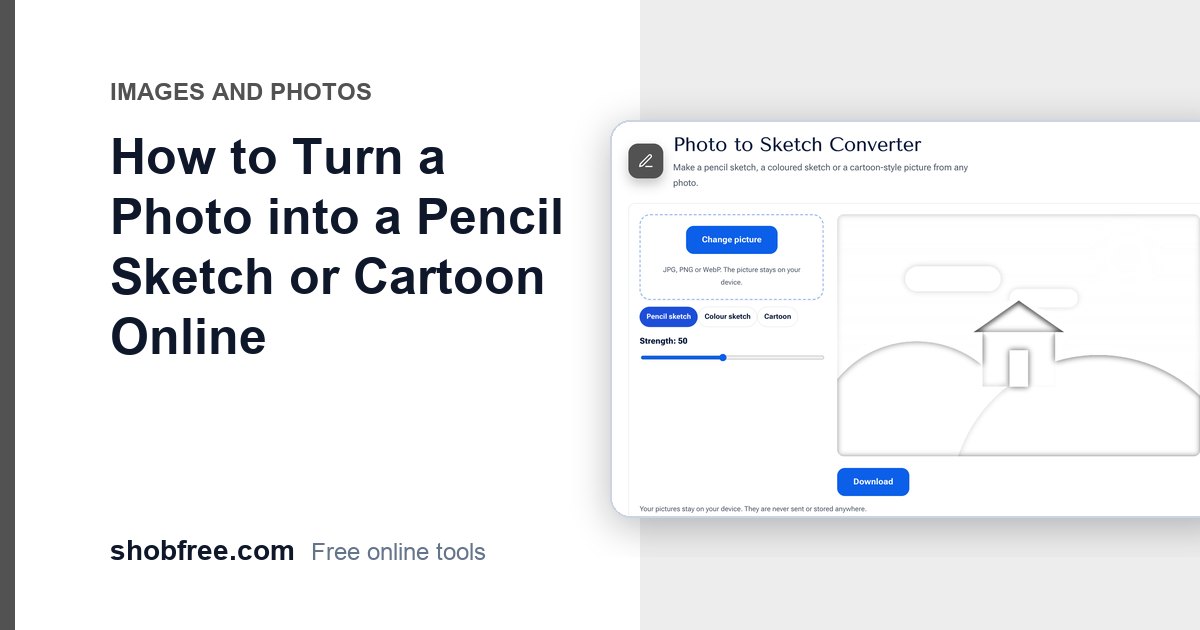
Convert a photo into a pencil sketch, colour sketch or cartoon in your browser, learn how the effect works and which photos give the best results.

84 tools
Convert Word, Excel, PowerPoint, text and CSV, make a CV or invoice, Bijoy to Unicode, Taka in words
All in this category51 tools
Make passport photos, set picture size and KB for forms, get text out of a picture, crop, rotate and convert JPG, PNG, WebP, HEIC
All in this category8 tools
Protect or unlock, hide sensitive details, compare two files
All in this category85 tools
Calculators, health and money tools, typing tests, timers and device checks for daily life.
All in this category22 tools
Fill and sign PDF forms, visa and passport photos, screen recorder, video tools, barcodes, letters and tax calculators, all free and private.
All in this categoryCategory
Online forms are strict about photos: an exact size in pixels, a maximum in KB and often a specific format. These guides explain how to make a passport size photo, shrink an image to 50 KB or 100 KB, convert iPhone HEIC pictures to JPG and compress images for email and websites, without making them look worse. You will find the exact settings to use and the common mistakes that cause a form to reject your picture.
6 guides
Convert a photo into a pencil sketch, colour sketch or cartoon in your browser, learn how the effect works and which photos give the best results.
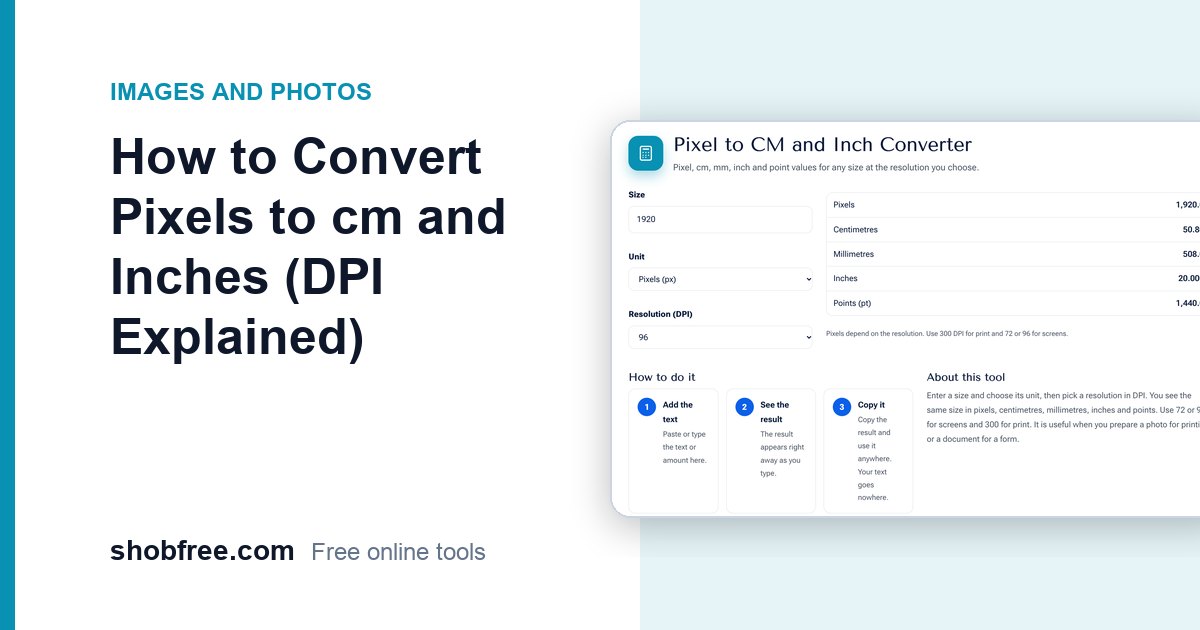
Learn how pixels, centimetres and inches relate through DPI, with exact sizes for passport photos, A4 prints and screens.
Upload forms often limit photos to 20, 50 or 100 KB. Learn how to shrink a picture to an exact KB size while keeping it clear and readable.
Create passport, visa and job-form photos in the exact size you need, with a 4x6 print sheet and an optional KB limit, from any picture.
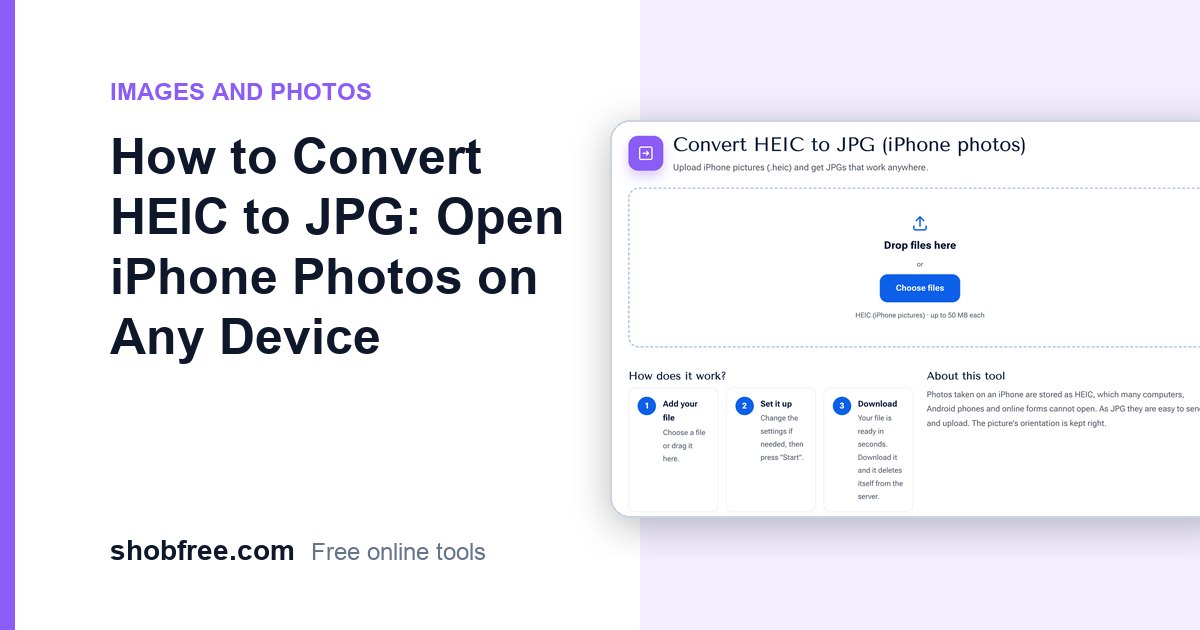
iPhone photos saved as HEIC will not open on many computers or forms. Convert HEIC to JPG for free, keep the orientation and upload anywhere.
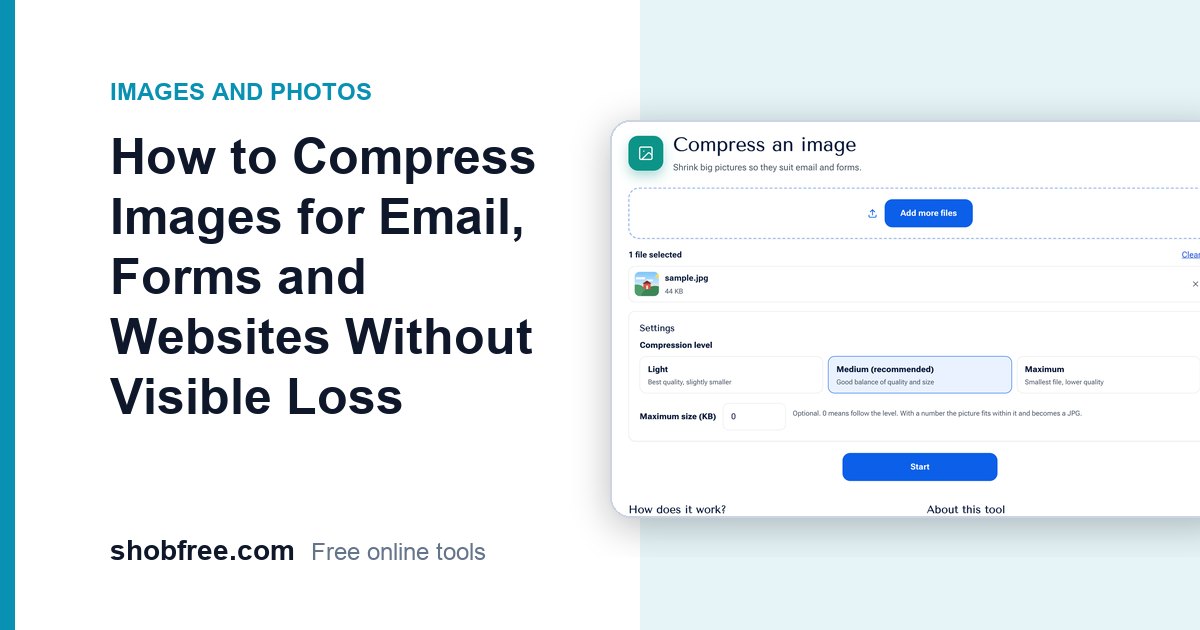
Make pictures smaller for email, uploads and faster websites. Learn the right quality level, when to use JPG or PNG, and how to compress safely.