How to Convert Pixels to cm and Inches (DPI Explained)
Learn how pixels, centimetres and inches relate through DPI, with exact sizes for passport photos, A4 prints and screens.

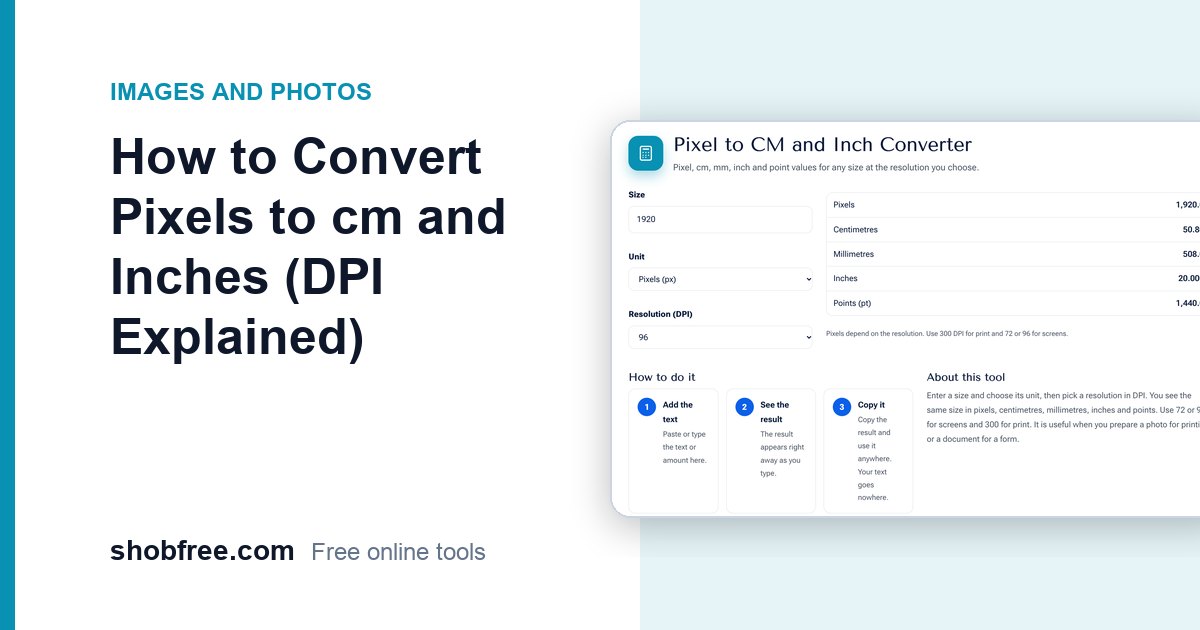
Pixels are not a fixed length. To know how large a picture will print, you need the resolution, called DPI or PPI. The free Pixel to CM and Inch Converter does the conversion at the DPI you choose.
Quick answer
Inches = pixels divided by DPI. Centimetres = inches times 2.54. At 300 DPI, 1,200 pixels is 4 inches, which is about 10.2 cm.
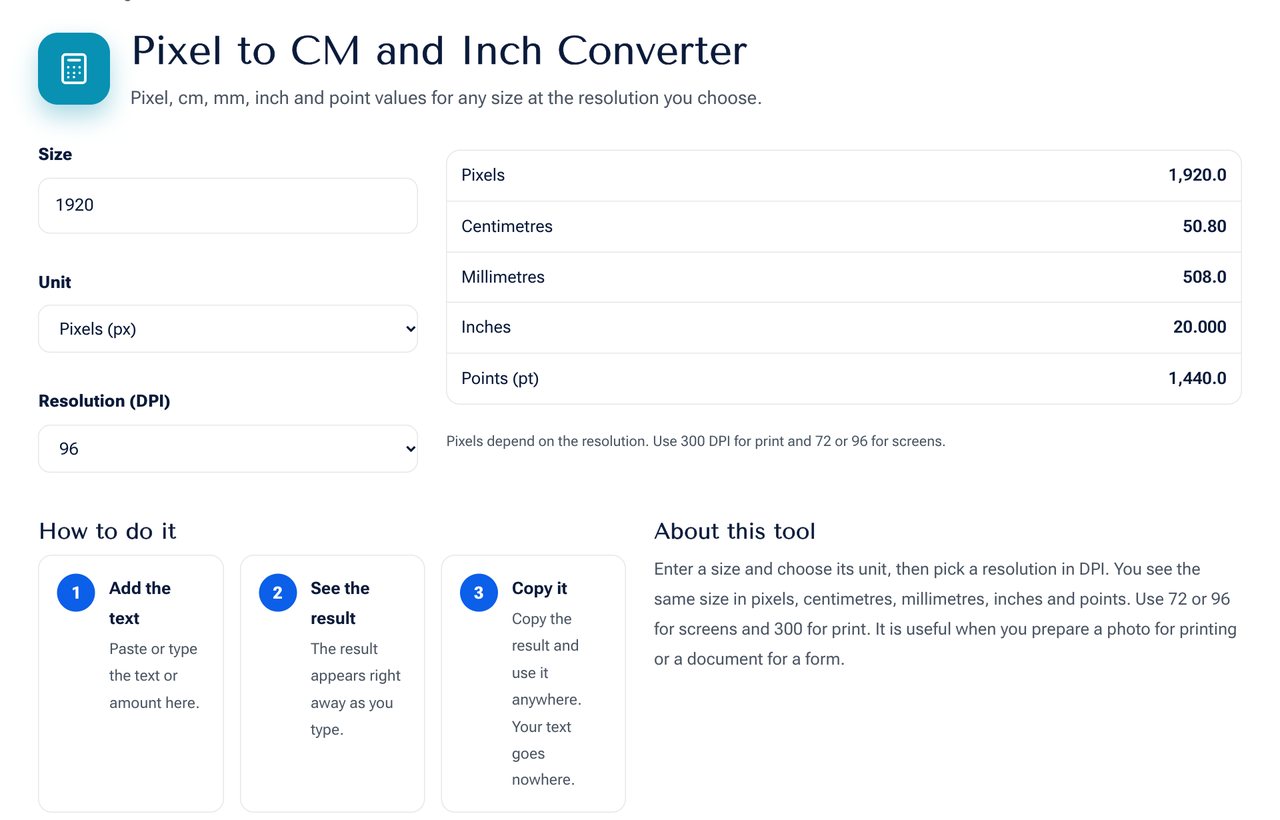 The Pixel to CM and Inch Converter tool on shobfree.com, ready to use in your browser.
Useful sizes at 300 DPI
| Item | Size | Pixels |
|---|---|---|
| Passport photo | 35 x 45 mm | 413 x 531 |
| 4x6 photo | 4 x 6 in | 1200 x 1800 |
| A4 page | 21 x 29.7 cm | 2480 x 3508 |
| ID card photo | 30 x 40 mm | 354 x 472 |
Which DPI should I use?
- 72 or 96: screens and web graphics.
- 150: draft prints and large posters seen from a distance.
- 300: standard quality printing for photos and documents.
- 600: fine line art and detailed scans.
On screen, pixels are what matter
A web page does not care about DPI. A picture 1200 pixels wide fills 1200 pixels, whatever DPI is stored in its file. DPI only matters when printing or when a form asks for physical size.
Tips
- Decide the printed size first, then calculate the pixels you need.
- Never enlarge a small picture for print. It will look soft.
- Keep the original, and export a copy at the print size.
Example: a form that wants a picture
A job form asks for a photo of 3 by 4 cm at 300 DPI. Calculate: 3 cm is 1.18 inches, so 354 pixels; 4 cm is 1.57 inches, so 472 pixels. Resize your picture to 354 by 472 and the form will accept it. Many forms also give a limit in kilobytes, which you can meet with the Image Size in KB tool.
Screens and zoom
A phone may show 400 CSS pixels across but have 1,200 physical pixels, because of a 3x pixel ratio. That is why a picture of 400 pixels looks soft on a modern phone. For sharp results on the web, supply an image two or three times the display width.
Worked example: poster print
A poster of 30 by 45 cm at 150 DPI needs 1,772 by 2,658 pixels, because 30 cm is 11.81 inches and 45 cm is 17.72 inches. A typical phone photo of 4000 by 3000 pixels easily covers this. At 300 DPI the same poster needs 3,543 by 5,315, which is more than most pictures hold, so a lower DPI is a sensible choice for a large poster seen from a distance.
Quick reference
1 inch is 2.54 cm and 25.4 mm. 1 cm is 0.3937 inch. 1 point is 1/72 inch. Standard A4 is 8.27 by 11.69 inches.
Sources and further reading
- Standard paper sizes are defined by ISO 216.
Frequently asked questions
Does changing DPI change the picture quality? Not by itself. It changes only the size at which it prints, unless you also resample.
How many pixels is 1 cm? About 37.8 at 96 DPI and 118 at 300 DPI.
What is the difference between DPI and PPI? DPI refers to printer dots and PPI to image pixels, but the two are used interchangeably in practice.
Next step
Convert your size with the Pixel to CM and Inch Converter. Then set exact dimensions in the Resize Image tool.