How to Minify CSS and Why It Speeds Up Your Website
Learn what CSS minification does, how much it saves, what can go wrong and how to combine it with compression and caching for faster pages.

Every kilobyte on a web page costs time, especially on mobile networks. CSS is a render-blocking resource, which means the browser waits for it before it paints the page. Minifying CSS removes everything that people need but browsers do not. The free CSS Minifier shrinks your stylesheet in one click and shows how much you saved.
Quick answer
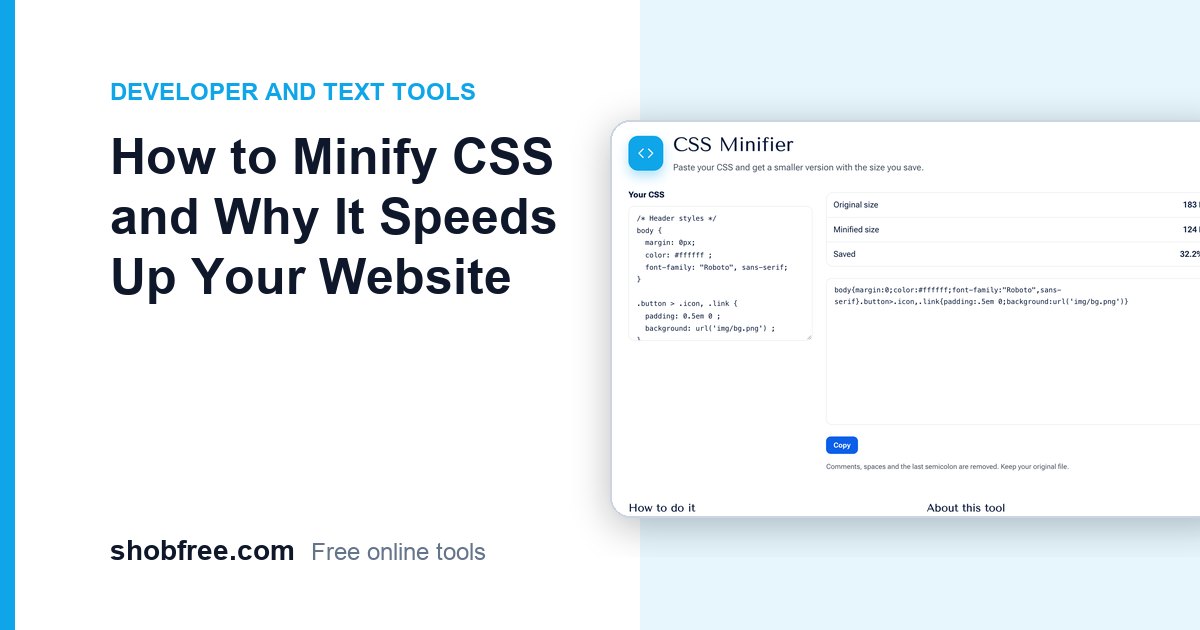
Paste your CSS into the minifier and copy the result. It removes comments, line breaks and extra spaces, drops the last semicolon in each rule and shortens zero values. A small stylesheet of 172 bytes shrank to 126 bytes, a saving of about 27 percent. Real files often save 20 to 40 percent.
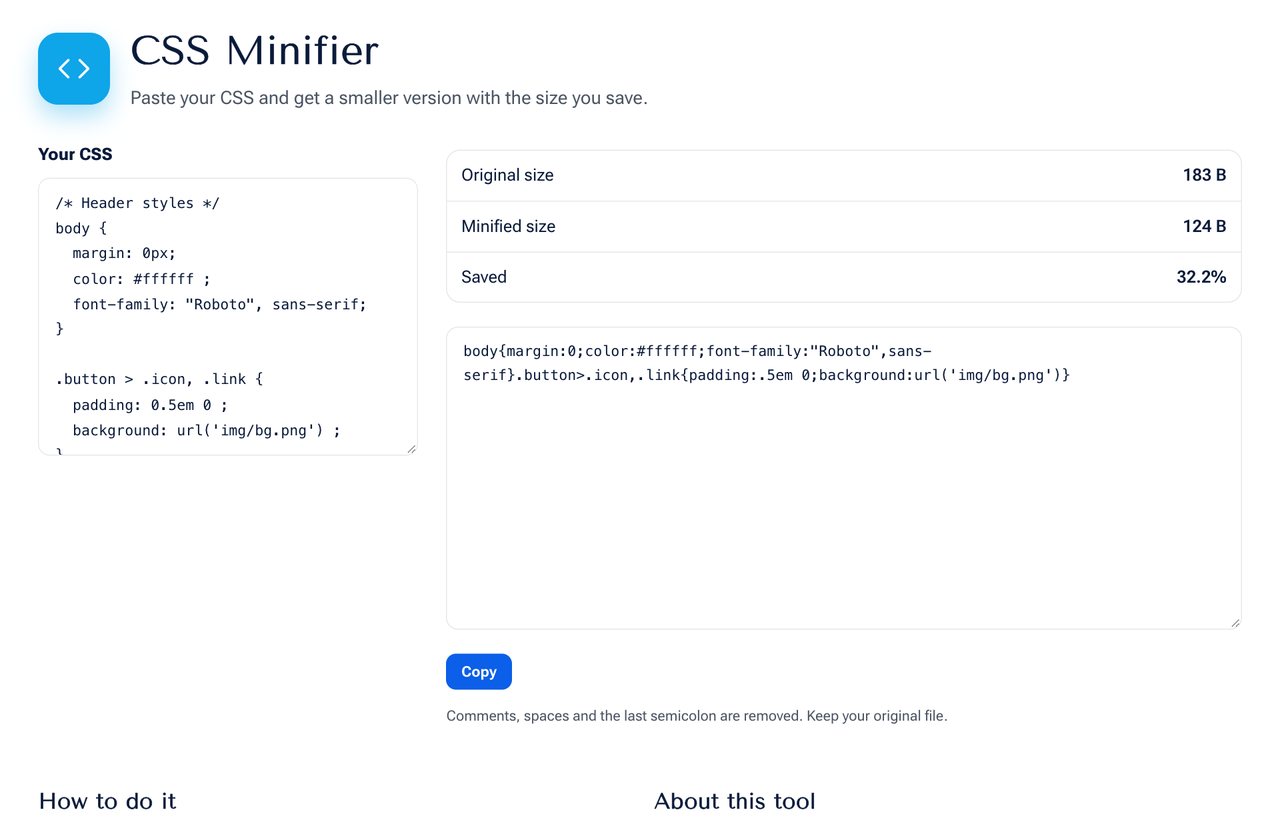 The CSS Minifier showing the original size, minified size and percentage saved.
What the minifier does
- Removes comments between /* and */.
- Collapses whitespace and removes spaces around braces, colons, semicolons and commas.
- Removes the final semicolon before a closing brace.
- Shortens values such as 0px to 0 and 0.5em to .5em.
- Leaves strings and url() values untouched.
Before and after
Before:
body {
  margin: 0px;
  color: #fff;
}
.a > .b, .c {
  padding: 0.5em 0;
}
After:
body{margin:0;color:#fff}.a>.b,.c{padding:.5em 0}Why it matters
- Faster loading because fewer bytes are sent, which matters most on slow connections.
- Better Core Web Vitals, since CSS delays the first paint and the largest content paint.
- Lower bandwidth cost for you and for visitors on limited data plans.
Minify and compress
Minification and server compression work together. Gzip or Brotli compress repeated text well, so the saving from minification looks smaller after compression, but it is still real and worth taking. Enable compression on your server and serve the minified file.
A safe workflow
- Keep your readable source file for editing. Never edit the minified copy.
- Minify when you publish, and name the output file something like style.min.css.
- Test the page afterwards, especially pages that use unusual selectors or calc() values.
- Use a long cache time with a version in the file name, so returning visitors do not download it again.
Other ways to reduce CSS
- Remove unused rules. Many sites ship styles for components that do not appear on a page.
- Split critical CSS for above-the-fold content, and load the rest later.
- Avoid importing several font families and weights you do not use.
- Compress images, which are usually a bigger share of page weight. See How to Compress Images for Email and Websites.
Related tools
Minify scripts with the JavaScript Minifier, markup with the HTML Minifier and SVG files with the SVG Minifier.
Sources and further reading
- Google's web performance guidance on minifying resources: web.dev.
Frequently asked questions
Will minification change how my page looks? It should not. Only comments and whitespace are removed.
Is my CSS uploaded? No. It is processed in your browser.
Should I minify during development? No. Minify when you publish, so that development stays readable.
Next step
Shrink your stylesheet with the CSS Minifier, then check the page speed in your browser's developer tools.