How to Calculate Aspect Ratio and Resize Without Stretching
Understand aspect ratio, the common ratios for video and social media, and how to find the right height for a new width.

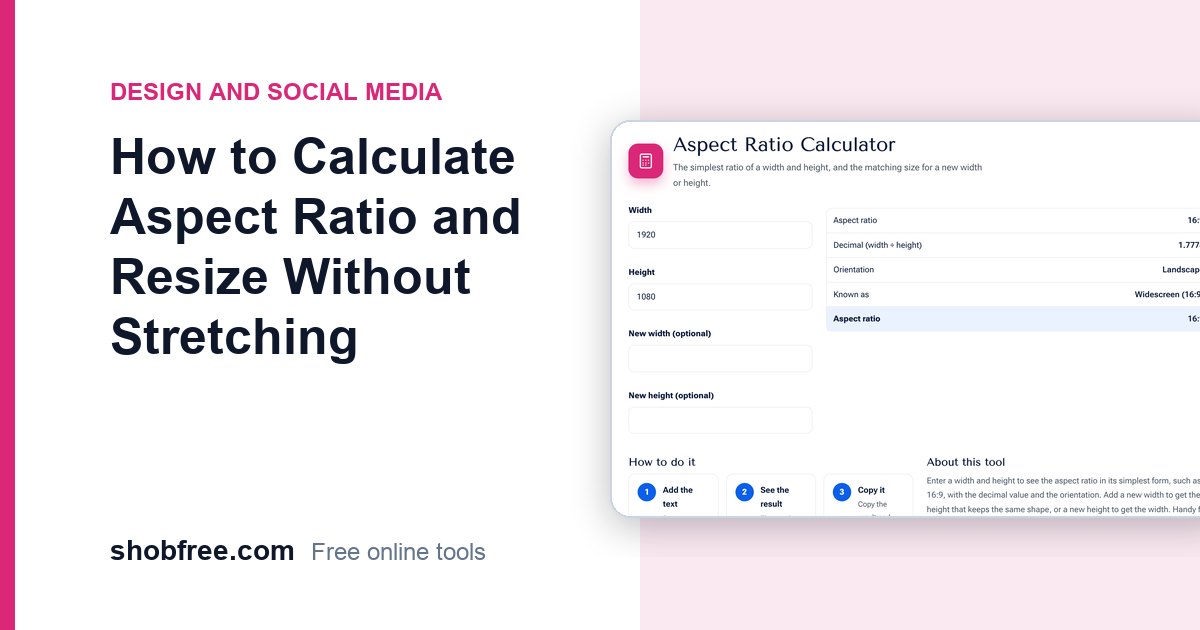
When you resize a picture or video, the width and height must keep the same proportion or it looks stretched. That proportion is the aspect ratio. The free Aspect Ratio Calculator finds it and gives the matching size.
Quick answer
Divide width and height by their greatest common divisor. 1920 by 1080 becomes 16:9. For a new width, the height is new width times original height divided by original width.
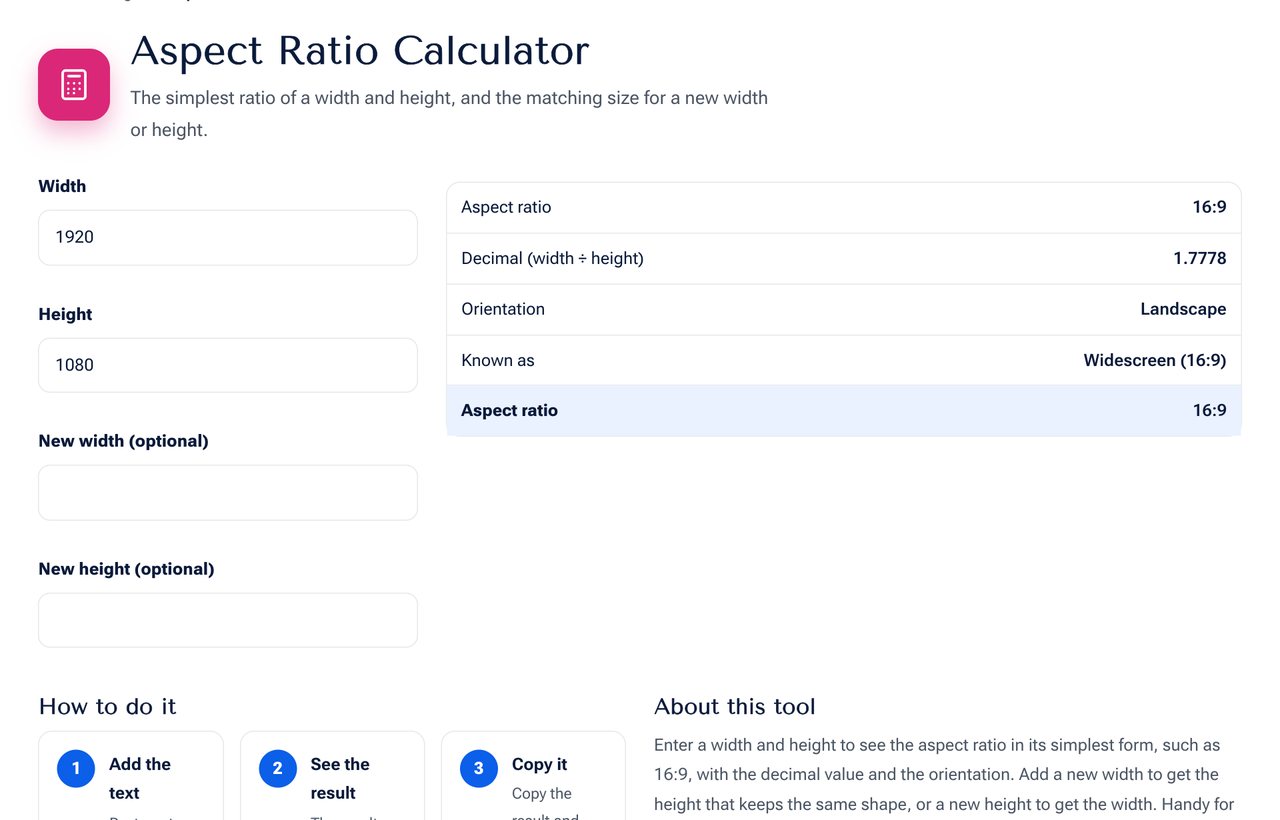 The Aspect Ratio Calculator tool on shobfree.com, ready to use in your browser.
Resizing example
An image is 1920 by 1080 and you need a width of 1280.
Height = 1280 x 1080 / 1920 = 720. The new size is 1280 by 720, still 16:9.
Common ratios and where to use them
| Ratio | Use |
|---|---|
| 1:1 | Square posts, profile pictures |
| 4:5 | Portrait posts on Instagram and Facebook |
| 9:16 | Stories, reels, shorts, TikTok |
| 16:9 | YouTube, TV, laptop screens |
| 4:3 | Presentations, older screens |
| 3:2 | Photos from many cameras |
| 21:9 | Cinema and ultrawide monitors |
If you need a different ratio
Changing the ratio means cropping or adding space. Cropping removes parts of the picture. Adding bars or a background keeps everything. Use the Crop Image or Social Image Resizer tool for that.
Tips
- Always lock the ratio when resizing in an editor.
- Start with the largest original and scale down, not up.
- Leave a safe area around faces and text when you crop to a new shape.
Designing for several ratios at once
Social platforms crop pictures differently. A good habit is to design in the middle with a safe area: keep faces and text in the central 80 percent. Then the same artwork survives 1:1, 4:5 and 16:9 crops. Export separate files for each platform instead of letting the app crop for you.
Video and screens
A 1080p video is 1920 by 1080, a 720p video is 1280 by 720 and 4K is 3840 by 2160. All are 16:9. A phone video shot upright is 9:16, which is 1080 by 1920. When you place a vertical video on a wide screen, black bars appear unless you crop it.
Cropping to a new ratio
To crop a 4:3 photo to 16:9 at the same width, the new height is the width times 9 divided by 16. A 4000 by 3000 photo becomes 4000 by 2250, so 750 pixels of height are lost. Keep the subject inside the new frame before you crop.
Reading a sizing request
A website might ask for "a 1200 by 630 image". That is 1.9 to 1, almost 2 to 1. Resize by width first and crop the extra height instead of stretching the picture.
Sources and further reading
- Platform sizes change from time to time, so check the current guidance from each platform's help centre.
Frequently asked questions
Why do I get decimals? Some sizes do not divide evenly. Round to the nearest whole pixel.
What ratio is a passport photo? About 7:9 for 35 by 45 mm.
Is 1920 by 1200 the same as 16:9? No. It is 16:10, a little taller.
Next step
Open the Aspect Ratio Calculator and enter your size. Then resize the picture with the Resize Image tool.