HTTP Status Codes Explained: 200, 301, 404, 500 and More
A clear guide to the HTTP status codes you meet most often, what each one means, and how they affect websites, links and SEO.

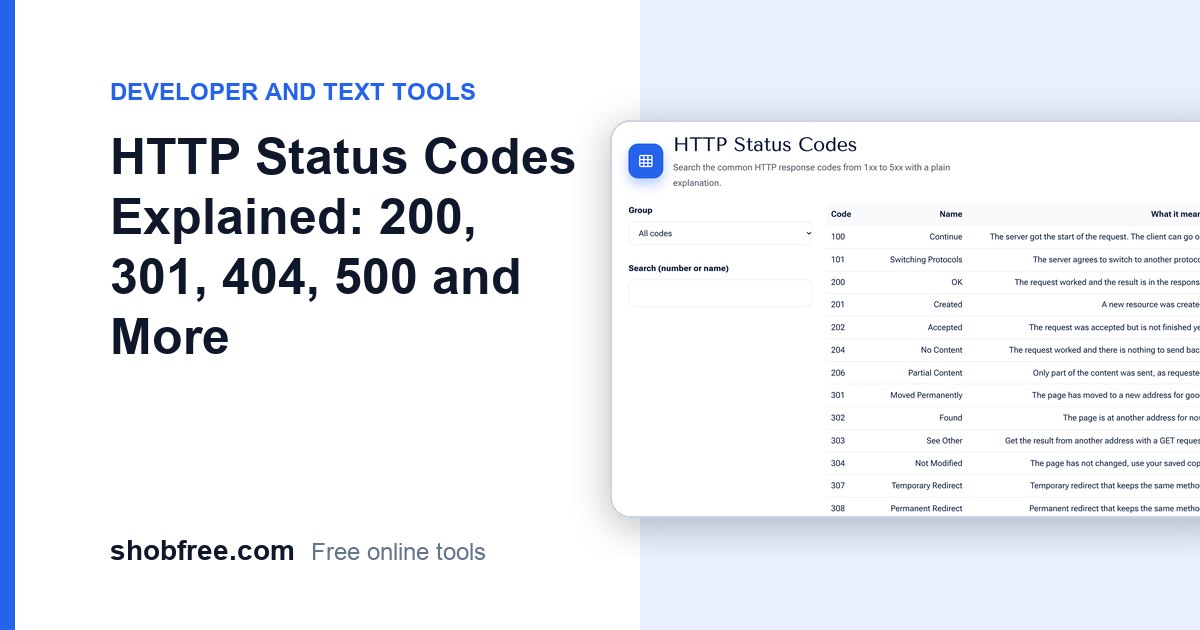
Every time a browser asks a server for a page, the server replies with a three-digit status code. Knowing them helps you fix broken links and protect your search ranking. The free HTTP Status Codes reference lets you search them.
Quick answer
The first digit gives the class: 1xx information, 2xx success, 3xx redirect, 4xx client error, 5xx server error.
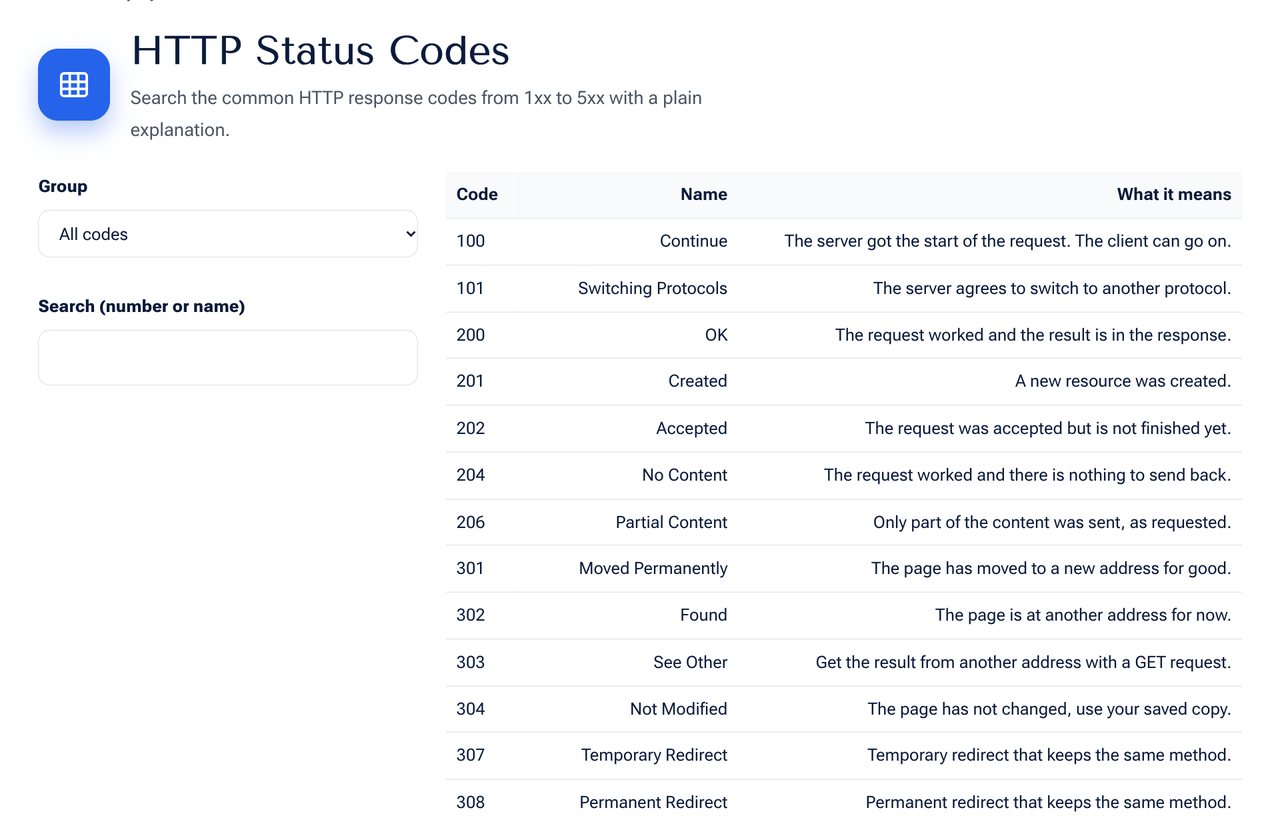 The HTTP Status Codes tool on shobfree.com, ready to use in your browser.
The codes you will meet most
| Code | Meaning |
|---|---|
| 200 | OK, the page loaded |
| 201 | Created, something new was made |
| 204 | No content, success with nothing to return |
| 301 | Moved permanently |
| 302 | Found, a temporary move |
| 304 | Not modified, use your cached copy |
| 400 | Bad request |
| 401 | You must sign in |
| 403 | Forbidden, you are not allowed |
| 404 | Not found |
| 410 | Gone for good |
| 429 | Too many requests |
| 500 | Internal server error |
| 502 | Bad gateway |
| 503 | Service unavailable |
What matters for SEO
- Use 301 when a page moves permanently. It passes ranking value to the new address.
- Use 302 only for short-term moves.
- A 404 is fine for pages that never existed, but fix internal links that lead to it.
- Use 410 when you removed a page on purpose and want it dropped faster.
- Repeated 5xx errors make search engines crawl you less.
Quick troubleshooting
- 404 on a working page: check the address and any rewrite rules.
- 403: check file permissions and security rules.
- 500: read the server error log.
- 502 or 504: the application behind the web server is down or slow.
- 429: you are sending requests too fast, so slow down.
Writing a helpful 404 page
A good 404 page says plainly that the page was not found, keeps the site navigation, and offers a search box and links to popular pages. It should return the real 404 status, not 200. A "soft 404" that returns 200 confuses search engines, because they see a valid page with no content.
Checking a status code yourself
In Chrome, open developer tools, go to the Network tab, reload the page and look at the Status column for the first request. You can also use a command-line request that prints the headers. Check both the address with and without "www", and with http and https, since each should end in one redirect to the final address.
Redirect checklist for a site move
- List every old address and its new address.
- Redirect each one with a 301 to its closest new page, not all to the home page.
- Update internal links and the sitemap.
- Check in Search Console for crawl errors in the days after launch.
Reading an error log
A burst of 404s for the same file often means a broken link in a template. A burst of 500s after a deployment points to a bug in new code. A rise in 429s means a script or a bot is sending too many requests.
Sources and further reading
- RFC 9110, HTTP Semantics, defines the status codes: rfc-editor.org/rfc/rfc9110.
- Google Search Central explains how status codes affect crawling: developers.google.com.
Frequently asked questions
What is the teapot code 418? A joke defined in an April Fools' standard. Some servers use it for fun.
Is a redirect chain bad? Yes. Several redirects in a row slow pages and waste crawl budget, so point straight to the final address.
Do 404 errors lower my ranking? A few do not. Many broken internal links do, because they waste crawling and hurt users.
Next step
Look up any code in the HTTP Status Codes tool.