How to Convert YAML to JSON and JSON to YAML (With Examples)
Understand the differences between YAML and JSON, convert data both ways, avoid common indentation errors and know what is lost in conversion.

YAML and JSON describe the same kind of data, but they look very different. JSON is strict and favoured by APIs, while YAML is easier for people to read and write and is common in configuration files such as Docker Compose and Kubernetes. Converting between them is a daily task for developers. The free YAML to JSON Converter does it in your browser.
Quick answer
Paste your YAML or JSON, choose the direction and copy the result. The tool validates the input and reports an error if it is not valid.
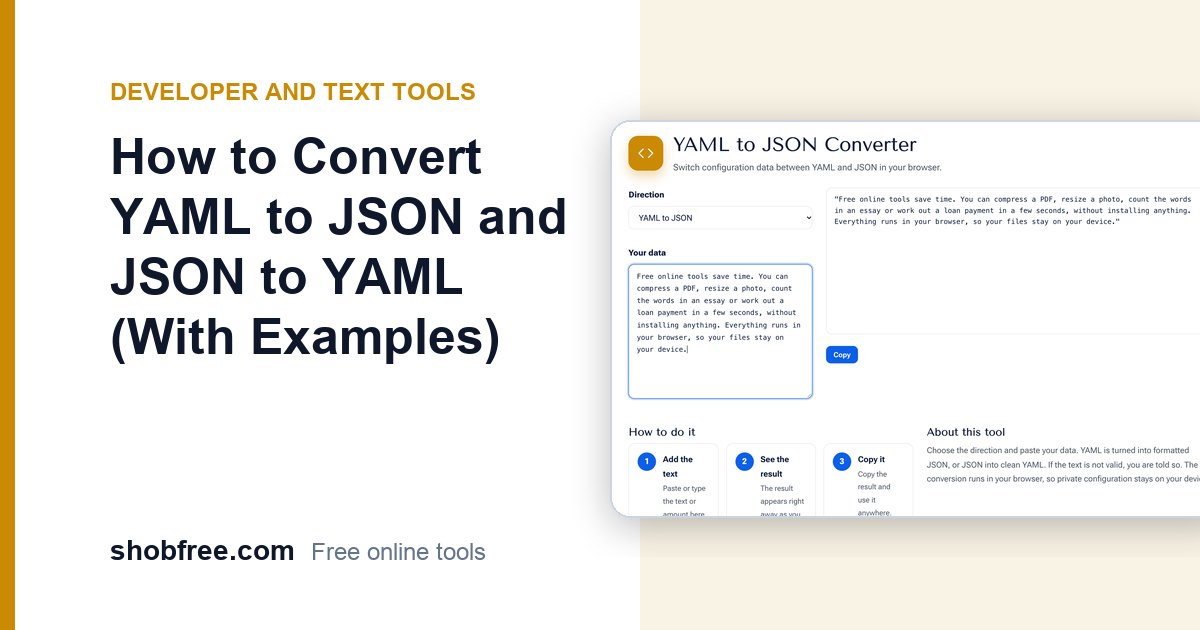
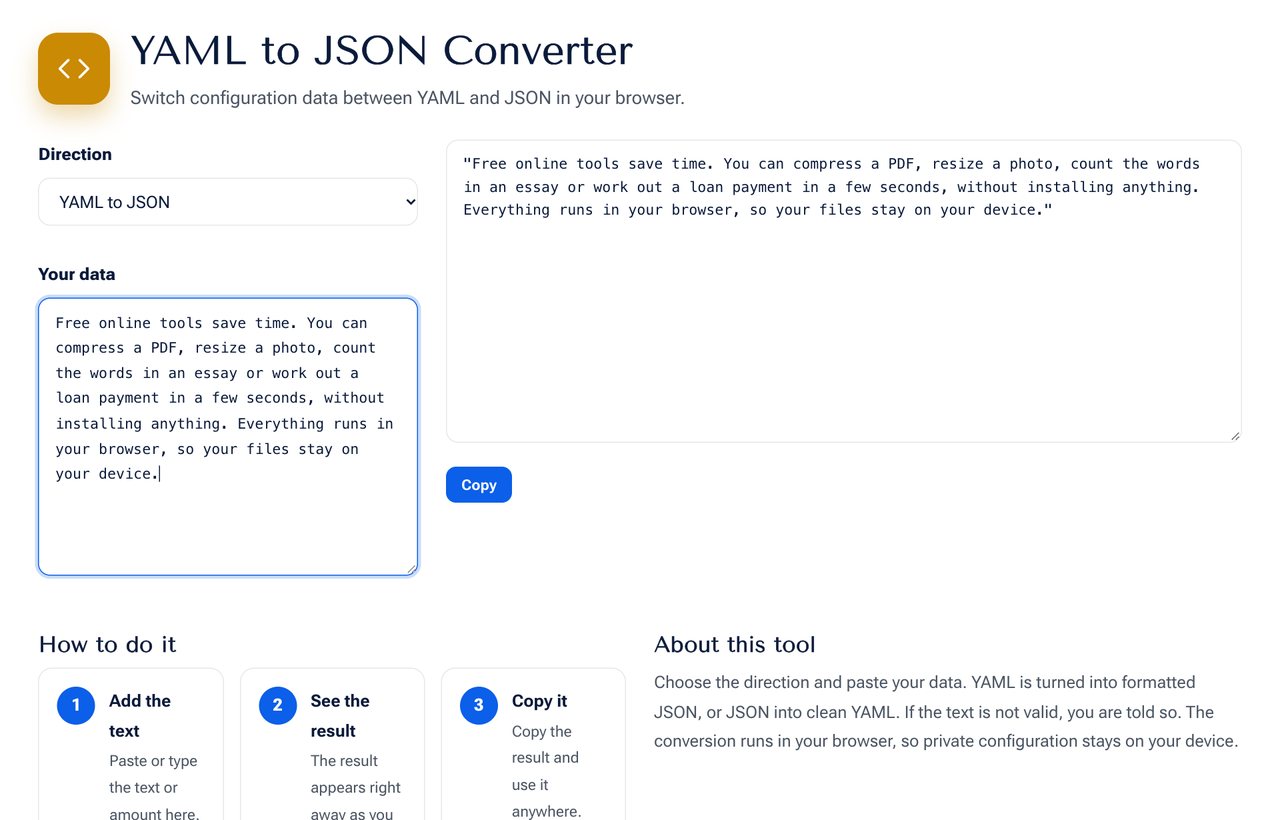 The YAML to JSON Converter showing a configuration in both formats.
The same data in both formats
YAML:
name: shobfree
version: 2
tools:
  - pdf
  - image
settings:
  private: true
JSON:
{
  "name": "shobfree",
  "version": 2,
  "tools": ["pdf", "image"],
  "settings": { "private": true }
}
Key differences
| Feature | YAML | JSON |
|---|---|---|
| Readability | Very readable, uses indentation | Needs braces and quotes |
| Comments | Supported with # | Not supported |
| Quotes on strings | Usually optional | Required |
| Trailing commas | Not applicable | Not allowed |
| Data types | Strings, numbers, booleans, null, dates | Strings, numbers, booleans, null |
| Typical use | Configuration, CI pipelines | APIs, data exchange |
Common YAML mistakes
- Tabs for indentation. YAML allows only spaces. A tab causes a parse error.
- Inconsistent indentation. Child items must be indented more than the parent, and consistently.
- Unquoted special values. The words yes, no, on and off can be read as booleans, and a value like 1.10 becomes the number 1.1. Quote them when you mean text.
- A colon inside a value. Quote the string if it contains ": ".
Common JSON mistakes
- Single quotes instead of double quotes.
- A trailing comma after the last item.
- Unquoted keys.
- Comments, which JSON does not allow.
What is lost in conversion
Converting YAML to JSON drops comments and anchors, because JSON has no way to store them. YAML anchors and aliases are expanded into repeated data. Converting back produces clean YAML, but the original comments and ordering style are gone, so keep the original file if the comments matter.
When to use which
- Use YAML for files that people edit often, with comments that explain choices.
- Use JSON for data between programs, in APIs and in browsers, where strict, fast parsing matters.
- Use the converter to check what a program will really read, when a YAML file behaves unexpectedly.
Related tools
Format and validate JSON with the JSON Formatter, convert tables with the CSV to JSON tool or turn JSON into XML with the JSON to XML Converter.
Frequently asked questions
Is my data uploaded? No. The conversion runs entirely in your browser.
Is YAML a superset of JSON? Mostly. Valid JSON is almost always valid YAML 1.2, which is why the converter accepts JSON as YAML too.
Why did my number change? YAML reads some unquoted text as numbers. Quote the value to keep it a string.
Next step
Convert a file with the YAML to JSON Converter.