What Is a JWT and How to Decode One Safely
Understand the three parts of a JSON Web Token, what the claims mean, how to read the expiry time, and what decoding does not prove.

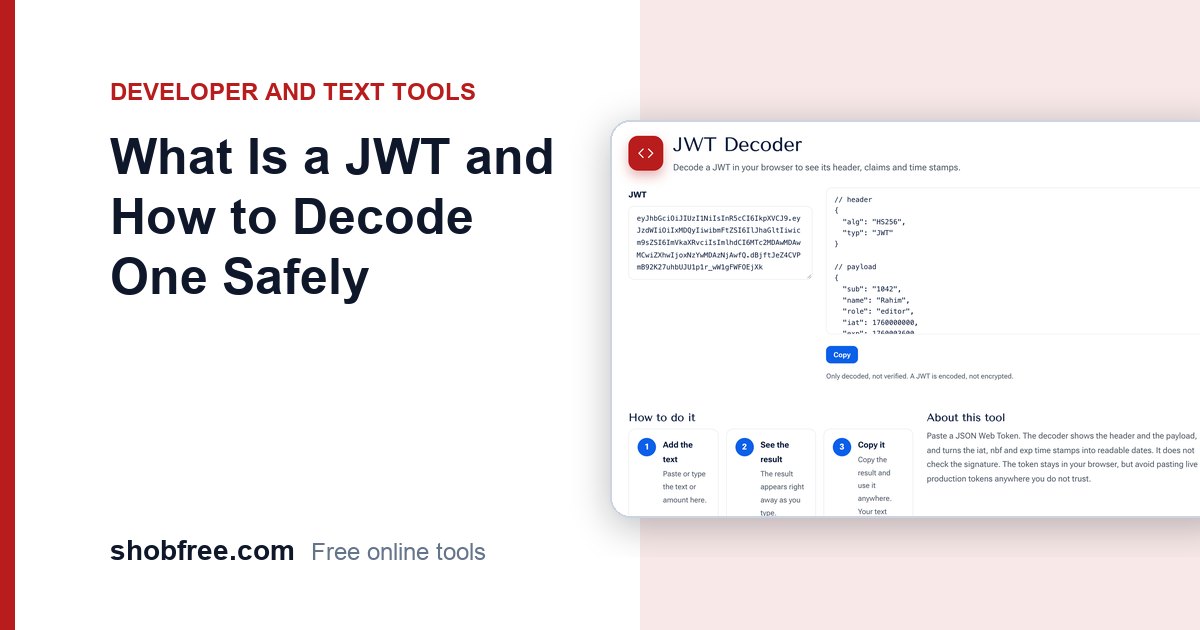
A JSON Web Token, or JWT, is a compact string that apps use to carry a user's identity and permissions. Developers often need to look inside one. The free JWT Decoder shows its header and payload in your browser.
Quick answer
A JWT has three parts separated by dots: header, payload and signature. The first two are Base64URL-encoded JSON, so anyone can read them. The signature proves the token was not changed, but it needs a secret or public key to verify.
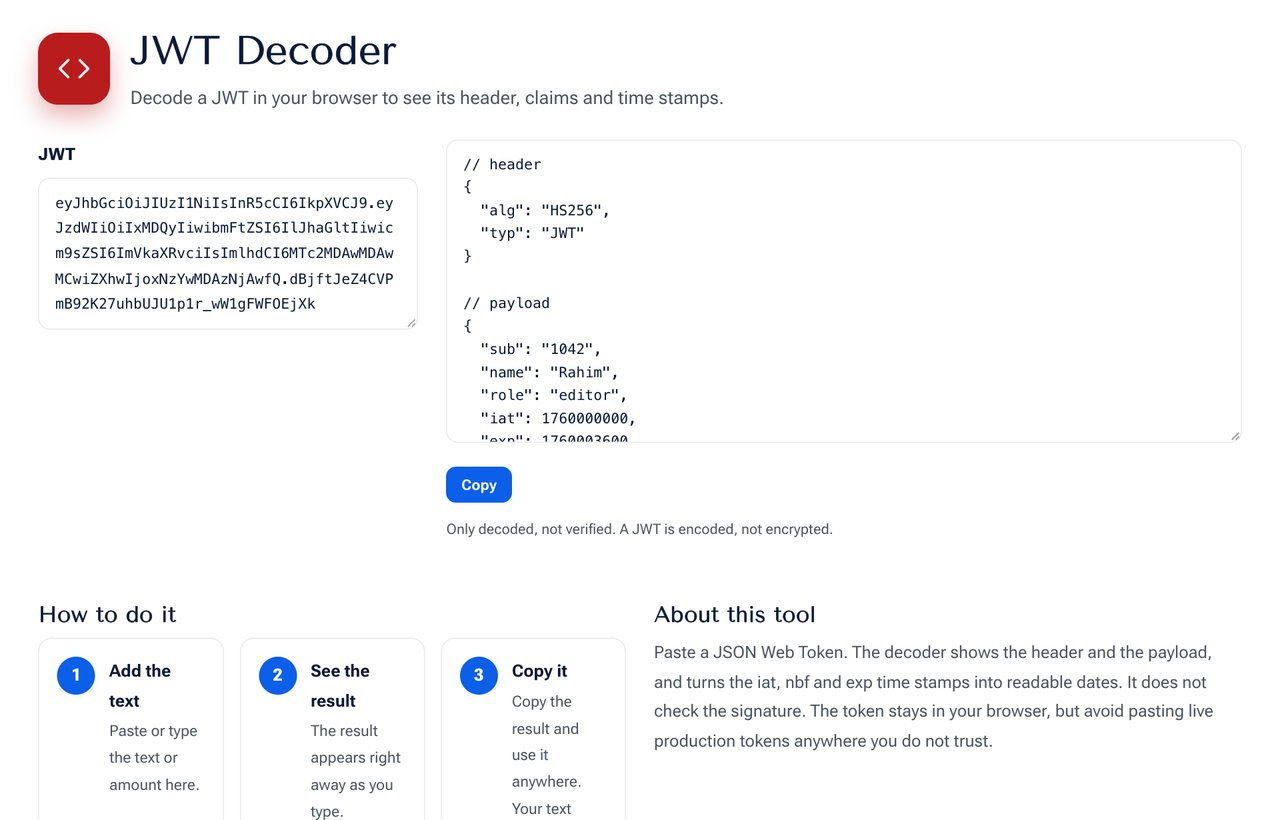 The JWT Decoder tool on shobfree.com, ready to use in your browser.
The three parts
- Header: the type and the signing algorithm, such as HS256 or RS256.
- Payload: the claims, such as the user ID, roles and times.
- Signature: created from the header, payload and a key.
Common claims
- sub: the subject, usually a user ID.
- iss: who issued the token.
- aud: who the token is for.
- iat: time it was issued.
- nbf: not valid before this time.
- exp: expiry time.
The three time claims are numbers of seconds since 1 January 1970. The decoder shows them as readable dates, so you can see at once whether a token has expired.
Decoding is not verifying
Anyone holding a token can read it. A JWT is encoded, not encrypted, so never place passwords or private data in the payload. Decoding does not check the signature, so a decoded token is not proof that it is genuine.
Debugging tips
- If login fails, check exp first.
- Check aud and iss against your server settings.
- A "malformed token" error often means a missing dot or extra whitespace.
- Do not paste live production tokens into sites you do not trust.
How a server checks a token
When a request arrives, the server recomputes the signature from the header and payload with its key. If it matches the signature in the token, the content is unchanged. It then checks the expiry and the audience. A token that has been tampered with fails at the first step, which is why it is safe to read but not to edit.
Keeping tokens safe
Treat a token like a password while it is valid. Use HTTPS, keep lifetimes short, and avoid storing long-lived tokens in places that scripts on the page can read. If a token is leaked, revoke it or rotate the signing key. Never log whole tokens in plain text on a server.
A decoded example
A payload might look like this: sub is "1042", name is "Rahim", role is "editor", iat is 1760000000 and exp is 1760003600. The difference between exp and iat is 3,600 seconds, so the token lives for one hour. If the current time is later than exp, the server must reject the token.
What not to put inside
Avoid storing passwords, full personal details, card numbers and secrets. Remember that anyone who holds the token can read it, even without the key.
Sources and further reading
- RFC 7519, JSON Web Token (JWT): rfc-editor.org/rfc/rfc7519.
Frequently asked questions
Is my token uploaded? No. The decoder runs in your browser.
Can I change a token here? No. Changing it would break the signature.
What is the difference between a JWT and a session cookie? A session cookie is a random ID that points to data on the server. A JWT holds the data inside the token itself.
Next step
Paste a token into the JWT Decoder. For related work, try the Base64 Text Converter.