How to Write Meta Tags for SEO: Title, Description and Open Graph
Learn what title, description, canonical and Open Graph tags do, the right lengths, and how to write them so more people click.

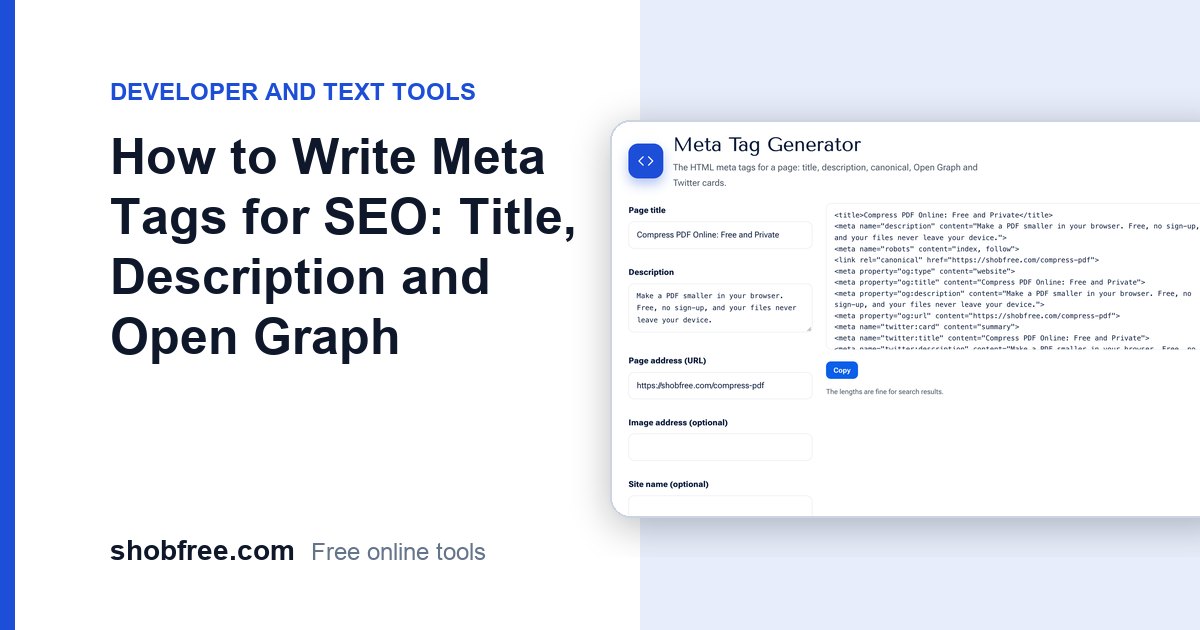
Meta tags tell search engines and social networks what a page is about. They shape the snippet people see before they click. The free Meta Tag Generator writes the HTML for you.
Quick answer
Give each page a unique title of about 50 to 60 characters, a description of about 140 to 160 characters, a canonical link and Open Graph tags with an image of 1200 by 630 pixels.
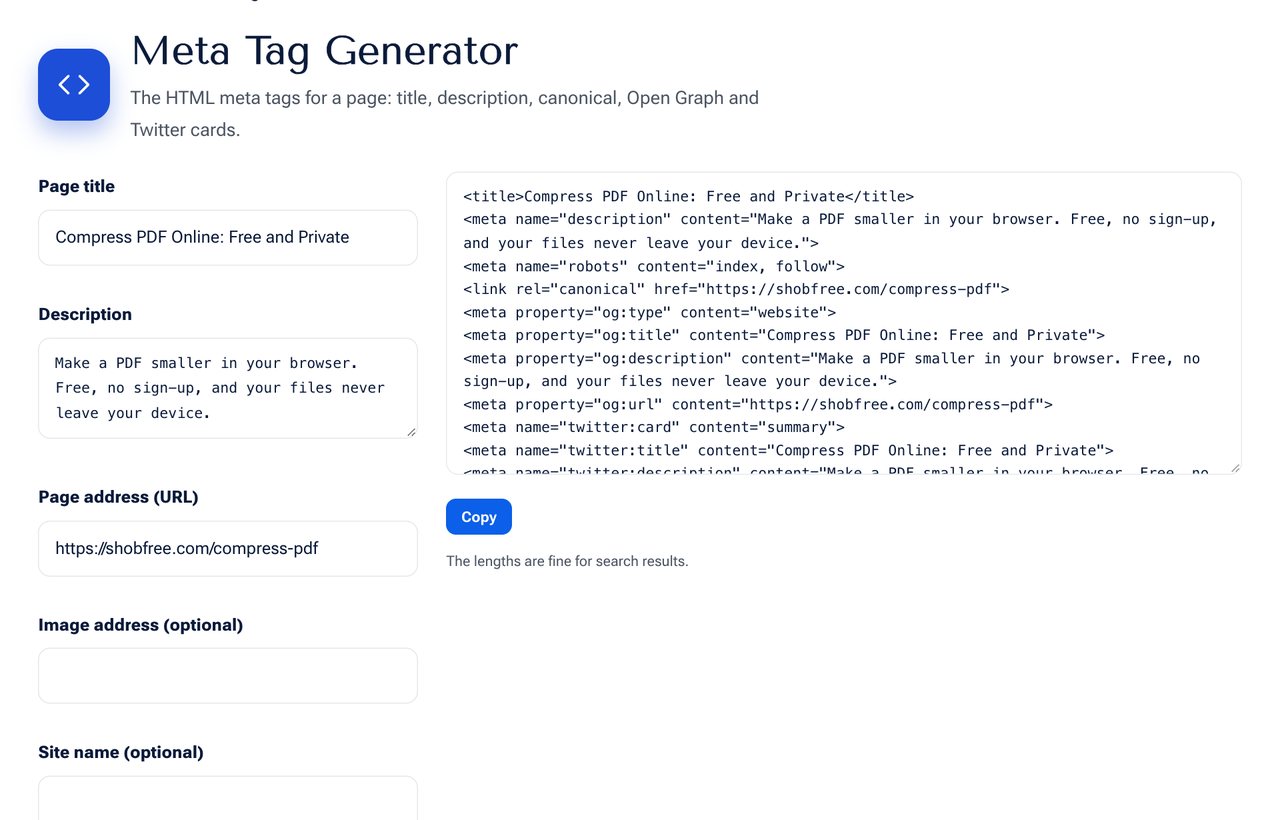 The Meta Tag Generator tool on shobfree.com, ready to use in your browser.
The tags that matter
- Title: the blue link in search results. Put the main keyword first and your brand last.
- Description: a short summary shown under the title. It does not directly raise ranking, but a good one gets more clicks.
- Canonical: tells search engines the preferred address when similar pages exist.
- Robots: use noindex only for pages you do not want in search.
- Open Graph and Twitter: control the title, text and image when the page is shared.
Writing a good title
- Describe the page honestly.
- Include the words people search for.
- Avoid ALL CAPS and repeating the same words.
- Make each title different from every other page.
Writing a good description
Say what the reader will get and add a reason to click, such as "free", "step by step" or "no sign-up". Keep it under 160 characters so it is not cut off.
Checklist
- One title and one description per page.
- No duplicate titles across the site.
- A share image that is readable on a phone.
- The page address in the canonical tag matches the live address.
Examples of weak and strong titles
A weak title: "Home - Page 1". A better one: "Free PDF Compressor: Reduce File Size Online | shobfree.com". It says what the page does, uses the main words early and ends with the brand. For descriptions, "We offer many tools" is weak, while "Compress a PDF to a smaller size in your browser, free, with no sign-up" tells the reader what they get.
Open Graph image tips
Use an image of 1200 by 630 pixels with a short, large title. Keep important content away from the edges because some apps crop it. Check how the link looks in WhatsApp and Facebook after you publish, since they cache the preview and may need a refresh.
A complete example
For a page on compressing PDFs, a good set would be: title "Compress PDF Online: Reduce File Size, Free", description "Make a PDF smaller in your browser. Free, private and no sign-up. Works on phone and computer.", a canonical link to the clean address, and Open Graph image of 1200 by 630 pixels.
Common mistakes
Using the same title on every page, writing a description that is only a list of keywords, forgetting the canonical on pages with parameters, and using a share image full of small text.
Sources and further reading
- Google Search Central, title links: developers.google.com and snippets: developers.google.com.
Frequently asked questions
Will Google always use my description? Not always. It may write its own from the page, but a good description is used often.
Where do I paste the tags? Inside the head section of the page.
Do I still need the keywords meta tag? No. Search engines ignore it, so you can leave it out.
Next step
Generate your tags with the Meta Tag Generator. Then make a clean address with the Text to URL Slug tool.