Cron Expression Cheat Sheet with Examples
Learn the five fields of a cron expression, the special characters and ready-made examples for common schedules and mistakes to avoid.

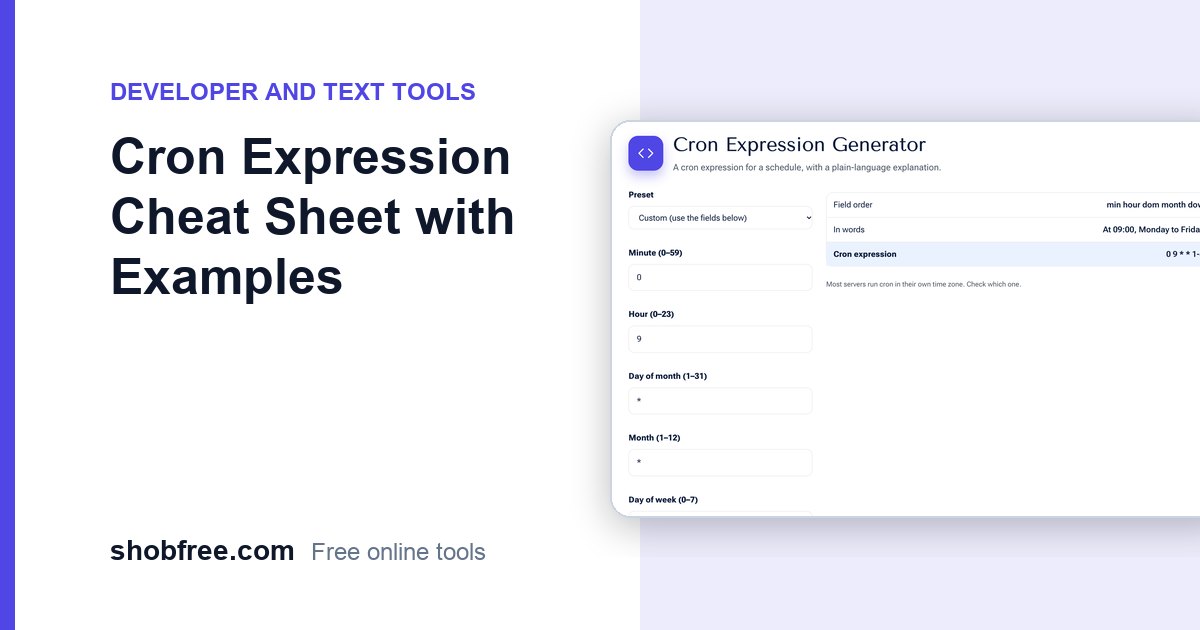
Cron runs tasks on a schedule on Linux servers and many hosting platforms. Its five-field expressions are short but easy to get wrong. The free Cron Expression Generator builds one and explains it in plain words.
Quick answer
A cron expression has five fields: minute, hour, day of month, month and day of week. For example, 0 9 * * 1-5 means 9:00 every weekday.
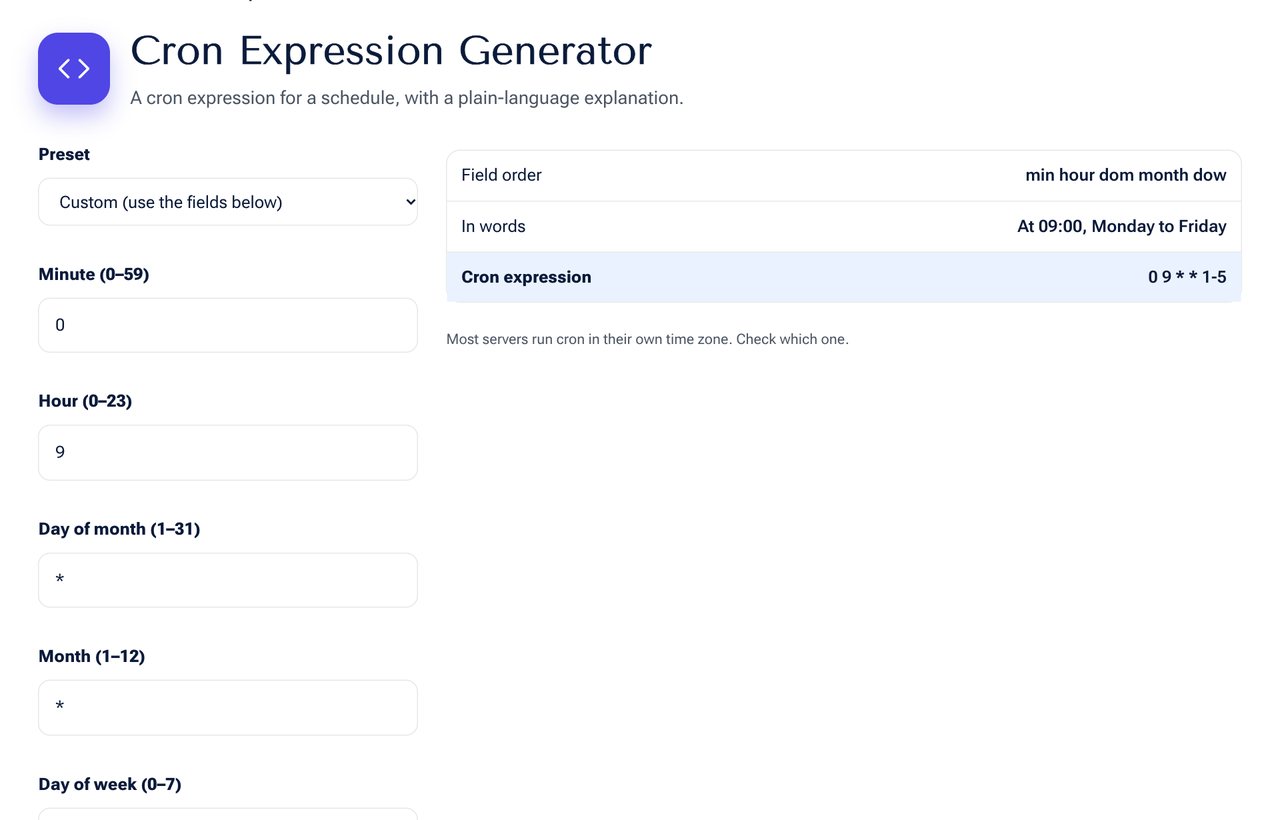 The Cron Expression Generator tool on shobfree.com, ready to use in your browser.
The five fields
| Field | Values |
|---|---|
| Minute | 0 to 59 |
| Hour | 0 to 23 |
| Day of month | 1 to 31 |
| Month | 1 to 12 |
| Day of week | 0 to 7 (0 and 7 are Sunday) |
Special characters
*means every value.,separates a list, such as1,15.-is a range, such as1-5./is a step, such as*/10for every 10.
Common examples
| Expression | Meaning |
|---|---|
* * * * * | Every minute |
/5 * * * | Every 5 minutes |
0 * * * * | Every hour |
0 0 * * * | Every day at midnight |
0 9 * * 1-5 | 9:00 on weekdays |
30 2 * * 0 | 2:30 every Sunday |
0 0 1 * * | Midnight on the 1st of each month |
Mistakes to avoid
- Forgetting the server's time zone. Cron uses the server's own clock.
- Using both day of month and day of week, which runs when either matches.
- Writing 24 for the hour. Midnight is 0.
- Running very frequent jobs that overlap the previous run.
Tips
- Redirect output to a log file so you can see failures.
- Use full paths to commands and scripts.
- Test the command by hand before scheduling it.
Reading a tricky expression
Take 15 3 /2 1-5. The job runs at 03:15, on every second day of the month, but only when the day is Monday to Friday. Because both day fields are set, cron runs it when either matches in many implementations, which surprises people. When you need "every second weekday", it is clearer to run on weekdays and let the script skip alternate days.
Environment differences
A cron job runs with a minimal environment. The PATH is short and your usual shell settings are missing. If a script works by hand but fails in cron, use absolute paths for every command and load any needed variables at the top of the script. Add >> /var/log/job.log 2>&1 to capture output and errors.
Backup and report examples
A nightly database backup at 2:15 am is 15 2 * * . A weekly report on Monday at 8:30 am is 30 8 * 1. A cleanup on the first day of every quarter at midnight is 0 0 1 1,4,7,10 . A health check every 10 minutes during office hours on weekdays is /10 9-17 * * 1-5.
Testing before you trust it
Run the command manually first, then set the schedule to run in two minutes as a trial, and check the log. After you see it work, set the real schedule.
Sources and further reading
- The POSIX specification for crontab is published by The Open Group; the manual page for crontab on your system describes extensions such as @daily.
Frequently asked questions
Does cron support seconds? Standard cron does not. Some schedulers add a sixth field.
What does @daily mean? It is a shortcut for 0 0 * * *.
How do I run a job every 90 minutes? Cron cannot express it directly. Use two entries or a scheduler that supports intervals.
Next step
Build your schedule in the Cron Expression Generator.